1
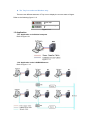
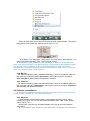
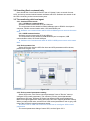
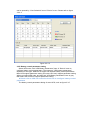
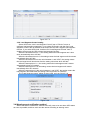
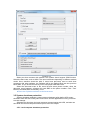
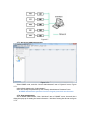
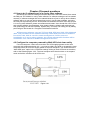
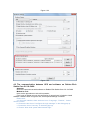
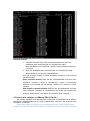
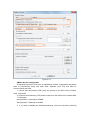
Figure 3.6.1
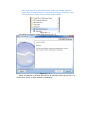
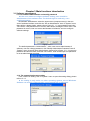
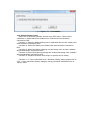
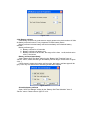
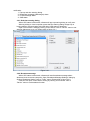
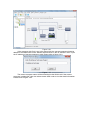
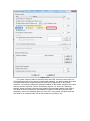
If the computer with IPv4 is not in the same LAN, the remote computer should be
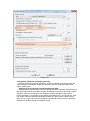
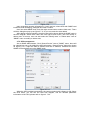
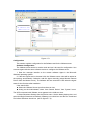
added on the WAN node via the “Monitor Remote Device” item of “Monitor” menu. Input
the IP address of remote computer to add. Please refer to figure 3.6.2.
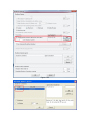
Figure 3.6.2
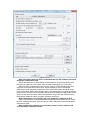
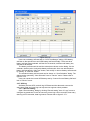
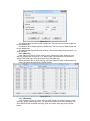
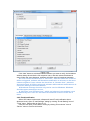
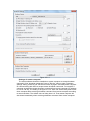
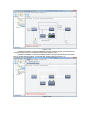
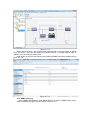
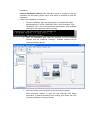
The remote computer name will be shown below the WAN node if the remote
computer is added OK, User can select remote UPS node to view the detail information.
Please refer to figure 3.6.3.