1
Class of Service Settings
5-59
General Settings
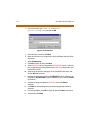
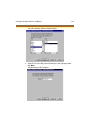
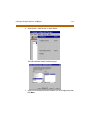
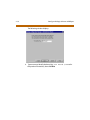
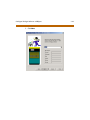
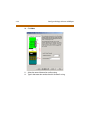
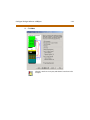
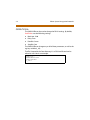
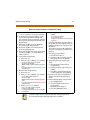
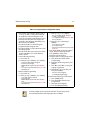
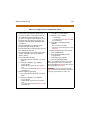
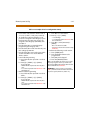
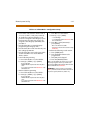
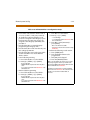
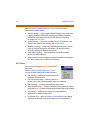
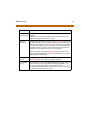
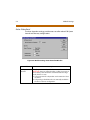
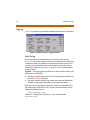
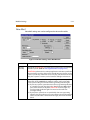
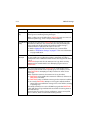
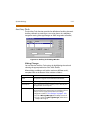
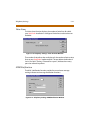
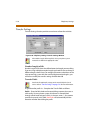
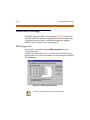
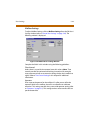
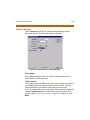
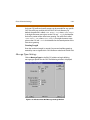
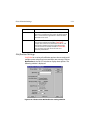
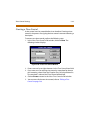
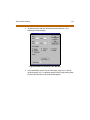
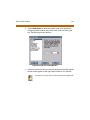
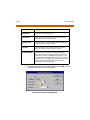
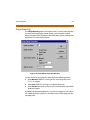
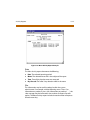
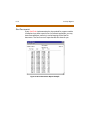
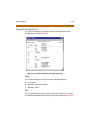
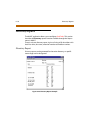
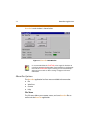
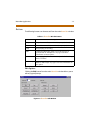
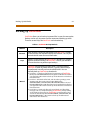
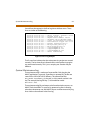
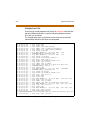
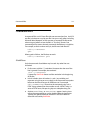
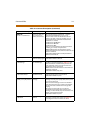
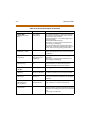
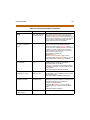
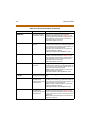
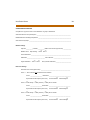
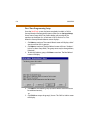
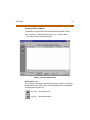
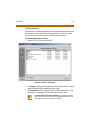
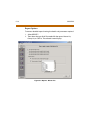
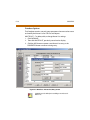
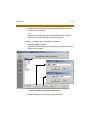
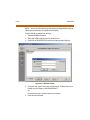
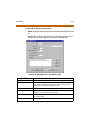
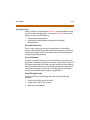
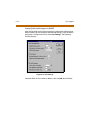
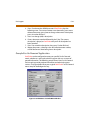
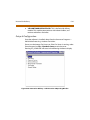
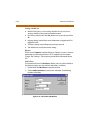
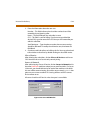
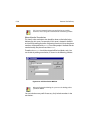
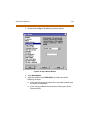
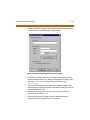
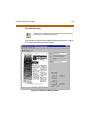
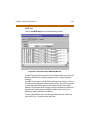
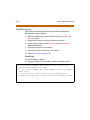
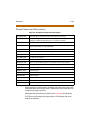
Click on General in the Edit COS window to begin defining general
options for the COS. The following window is displayed:
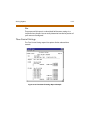
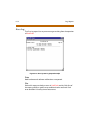
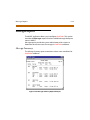
Figure 5-37: Edit COS General Settings Window
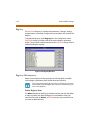
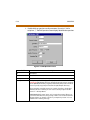
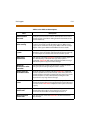
Description
Enter a brief description of the COS (twenty characters maximum), to
help identify it in other operations.
Time Control
Calls are often processed differently in the evening, during the weekend,
or on holidays than they are during regular business hours. The time
control function lets you define a set of alternative actions that
PathFinder performs for a given time setting. Time controls are created by
selecting Time Control from the Edit menu. If you intend to use Time
controls, refer to “Time Control Settings” on page 5-93. Otherwise, set to
None.