1
HIGH-LEVEL LANGUAGE PROGRAMMING – GETTING STARTED
3.4 Other forms of output
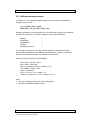
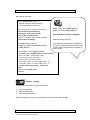
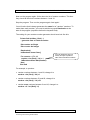
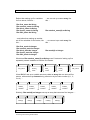
In the “Welcome to VB” program, the output message appeared in a message
box. The line of code to do this was
MsgBox(“welcome to VB, ” & name)
It is also possible to make the output message appear either:
•
•
directly on the form in a label, or
in a text box on the form.
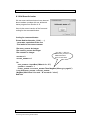
Output to a label
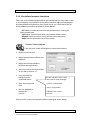
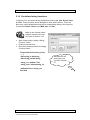
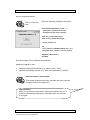
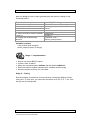
Two changes are needed to the program:
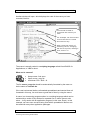
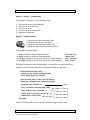
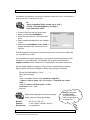
Firstly, add a label on the form, and name it lblMessage.
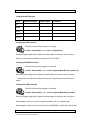
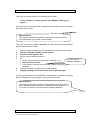
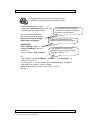
Secondly, change the line of code from:
MsgBox(“welcome to VB, ” & name)
to:
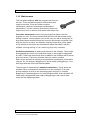
lblMessage.Text = “welcome to VB, ” & name
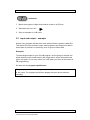
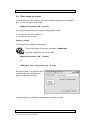
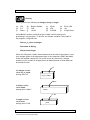
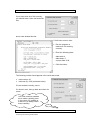
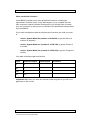
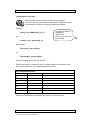
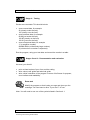
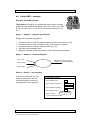
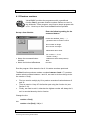
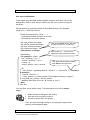
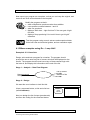
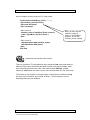
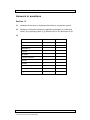
Run the program. The result will look
something like this (depending on
where you placed your label).
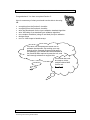
The alternative is to make the output appear in another text box.
SOFTWARE DEVELOPMENT (INT 2, COMPUTING)
© Learning and Teaching Scotland 2009
49