1
Sync Schema Configuration
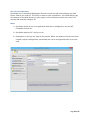
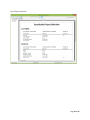
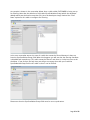
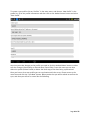
The SyncStudio SMC allows the developer to specifically select which tables and fields he wants
to sync with the device. He also has full control (without programming) to define the direction
in which data will flow and how conflicts will be handled. The ability to enable data filtering on
a table by table basis is also available.
Data Filtering
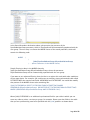
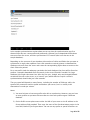
SyncStudio supports both simple and complex data filtering. Developers and system admins
can control which records are synced to each device on a table-by-table basis.
Database Provisioning
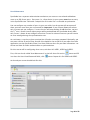
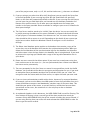
The SyncStudio SMC automatically handles the provisioning (and de-provisioning) of the server
side SQL database; making all the changes necessary for synchronization to work. The
developer simply chooses the tables and fields he wants to sync with SQLite and we take care of
the rest. All needed and appropriate tracking tables, triggers and other objects are added to
the selected SQL DB automatically.
Code Generation
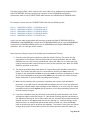
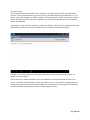
The SyncStudio SMC will automatically generate and compile the .NET code for a custom WPF
Synchronization Web Service. The result is a ready to go .NET .DLL that is specific to the
selections of tables and fields made by the developer. Once this uniquely created .DLL is
deployed to IIS everything is ready to start synchronizing data. With the SyncStudio SMC
developers have absolutely ZERO custom coding on the server-side.
Automated IIS Deployment
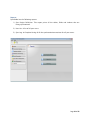
The SyncStudio SMC will automatically deploy the sync project to IIS. The developer simply
chooses the folder were the various files will be copied to and presses one button. IIS is then
configured with the appropriate virtual folder, application pool, etc. to enable synchronization.
Reporting and Logging
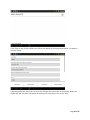
SyncStudio has a full synchronization logging feature, both at the client and the server. Using
the Reporting features in the SMC the developer or system admin can review sync stats and
other info.
Page 6 of 65