1
MailFoundry User
Manual
Page 36 of 80
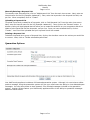
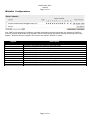
View Usage Statistics
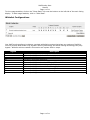
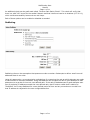
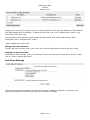
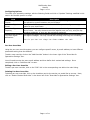
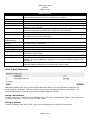
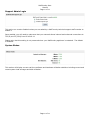
To view usage statistics, click on the “Show Stats” link near the bottom on the left side of the main listing
display. To hide usage statistics, click on “Hide Stats”.
Using Keyword Lists
Your MailFoundry appliance has the ability to filter messages based on a list of keywords you enter or
upload. Keyword filtering is effective in blocking message based on the content however using this
system can create false-positive detections.
Once you have created your keyword list, you will need to create a custom filter that will utilize the
keyword list.
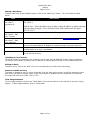
Manually Entering a Keyword List
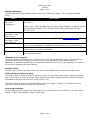
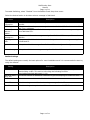
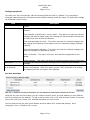
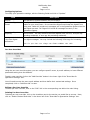
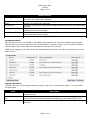
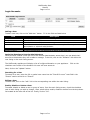
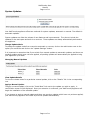
To manually enter a keyword list, click on “Add Keyword List” from the main view screen. Next, enter an
internal name for the list (Example: “badwords”). Now, enter the keywords in the keyword list field, one
per line. When completed, click on “Create”.
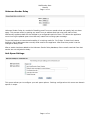
Uploading a Keyword List
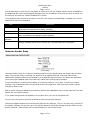
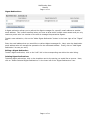
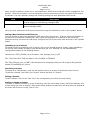
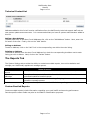
To upload a previously created list of keywords, click on “Add Keyword List” from the main view screen.
Next, enter an internal name for the list (Example: “badwords”). Now, click on the “Browse” button. A
directory listing will be displayed that will allow you to locate the saved file on your computers disk drive.
Make sure the saved file lists the keywords, one per line. Once you have selected the file, click on
“Create”. Your file will be uploaded and your keyword list will be created.
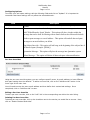
Deleting a Keyword List
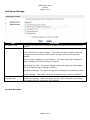
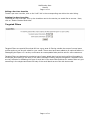
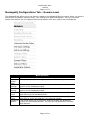
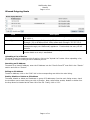
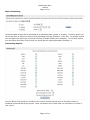
To delete a keyword list or group of keyword lists, click on the checkbox next to the entries you would like
to remove. Next, click on “Delete selected keyword lists”.
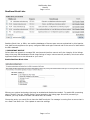
Quarantine Options
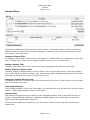
Your MailFoundry appliance includes a full featured quarantine system. Although it is rare to have a falsepositive message, using the quarantine system will give your email users the ability to view detected spam
messages. You may also choose to have cleaned, virus-infected messages included in the quarantine
system. Another unique feature your MailFoundry appliance offers is the ability to quarantine messages
based on custom filters.
Page 36 of 80