1
MailFoundry User
Manual
Page 75 of 80
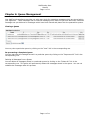
Chapter 6: Queue Management
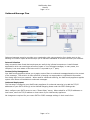
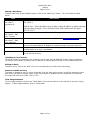
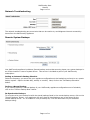
Your MailFoundry appliance provides you with many tools for managing messages which are stored within
your appliance. These messages can be inbound messages which have not yet been delivered, outbound
messages not yet delivered or messages which have been filtered and placed into the quarantine system.
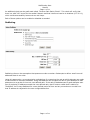
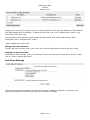
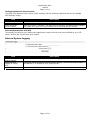
Viewing a Queue
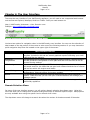
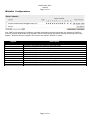
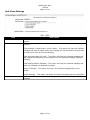
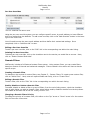
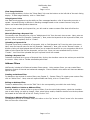
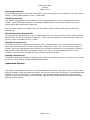
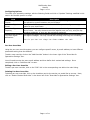
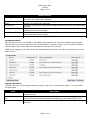
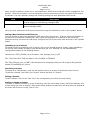
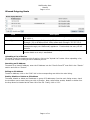
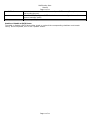
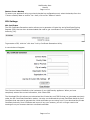
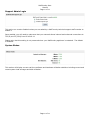
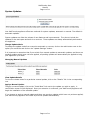
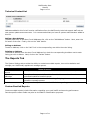
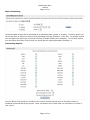
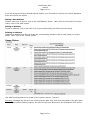
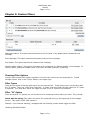
You may view a particular queue by clicking on the “view” link in the corresponding row.
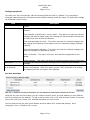
Re-processing a Complete Queue
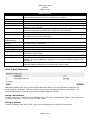
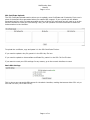
You can reprocess all messages stored in a particular queue by clicking on the “Reprocess All” link in the
corresponding row.
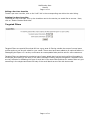
Deleting all Messages from a Queue
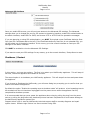
You can delete all messages stored in a particular queue by clicking on the “Delete All” link in the
corresponding row. This option will permanently delete the messages stored in the queue. You can not
undelete the messages after this process.
Page 75 of 80