1
ATI Video Driver Controls
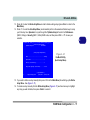
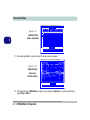
Enabling TV Display
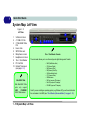
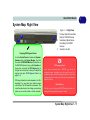
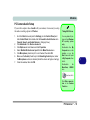
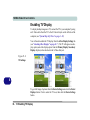
To display desktop images on a TV, connect the TV to your computer by using
an S-Video cable from the TV to the S-Video-Out jack on the left side of the
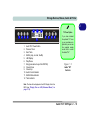
computer (see “System Map: Left View” on page 1 - 10).
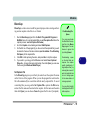
Further help is available to help you troubleshoot your TV connection
through the menus accessed from the taskbar (see page Figure C - 1 on page
C - 2).
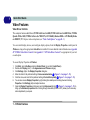
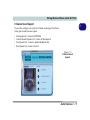
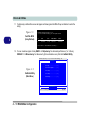
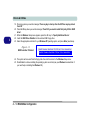
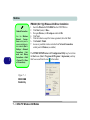
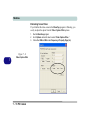
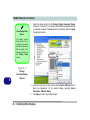
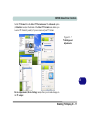
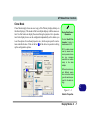
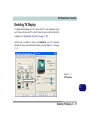
Figure C - 7
TV Properties
C
Enabling TV Display C - 11