1
2D Mode
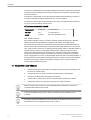
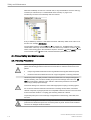
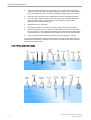
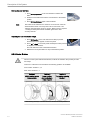
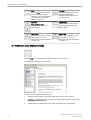
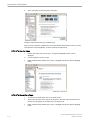
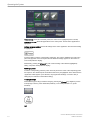
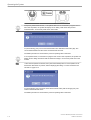
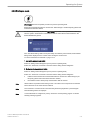
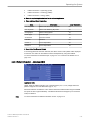
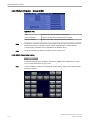
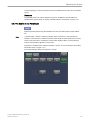
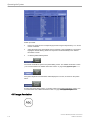
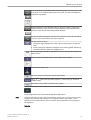
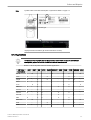
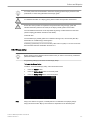
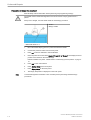
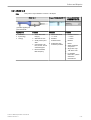
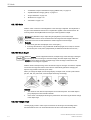
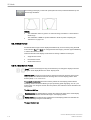
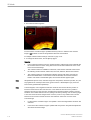
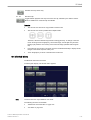
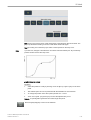
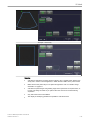
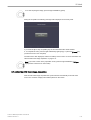
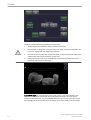
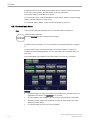
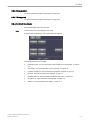
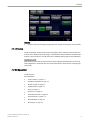
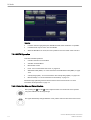
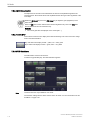
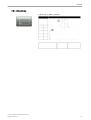
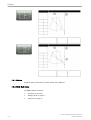
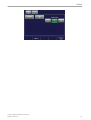
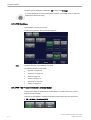
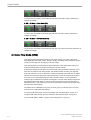
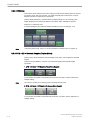
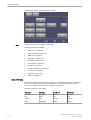
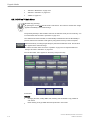
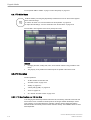
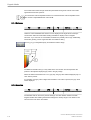
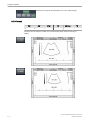
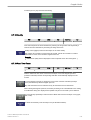
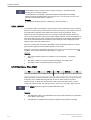
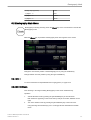
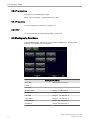
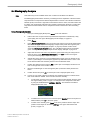
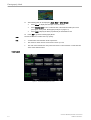
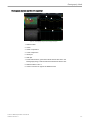
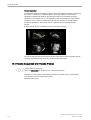
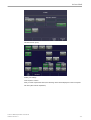
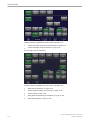
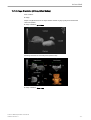
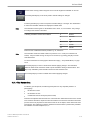
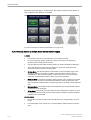
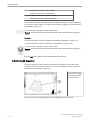
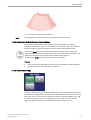
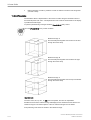
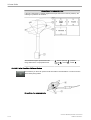
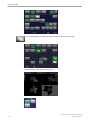
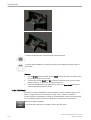
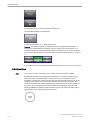
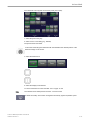
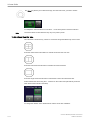
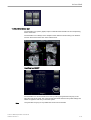
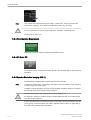
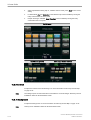
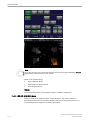
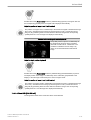
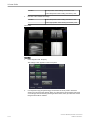
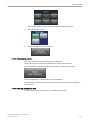
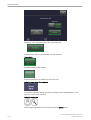
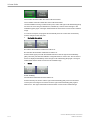
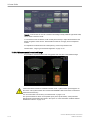
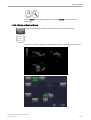
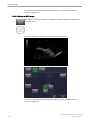
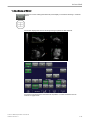
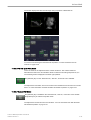
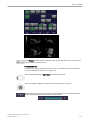
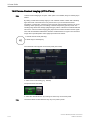
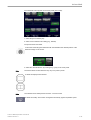
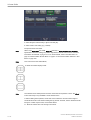
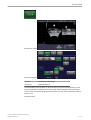
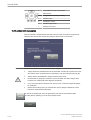
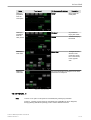
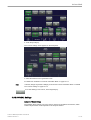
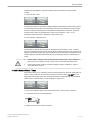
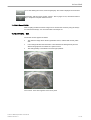
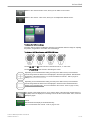
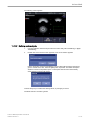
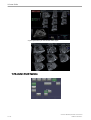
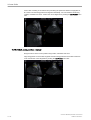
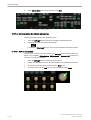
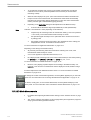
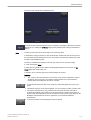
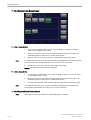
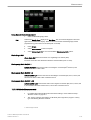
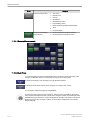
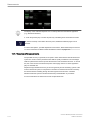
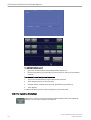
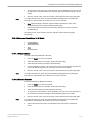
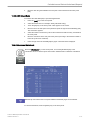
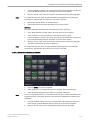
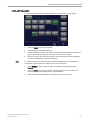
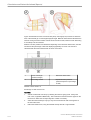
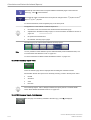
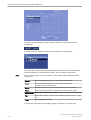
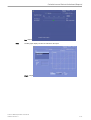
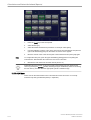
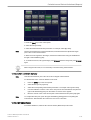
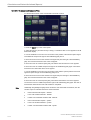
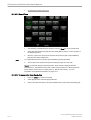
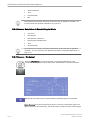
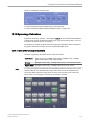
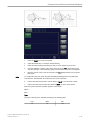
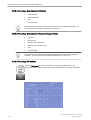
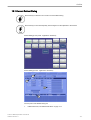
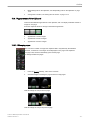
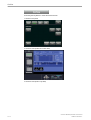
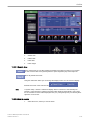
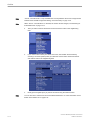
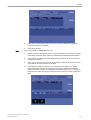
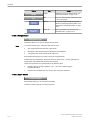
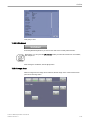
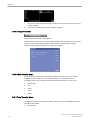
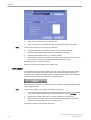
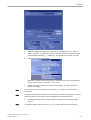
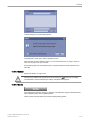
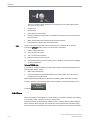
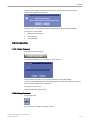
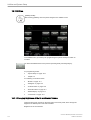
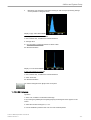
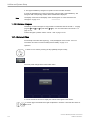
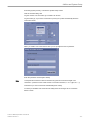
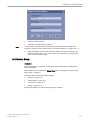
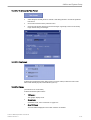
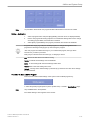
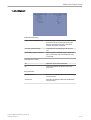
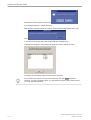
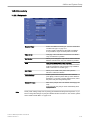
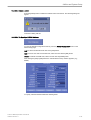
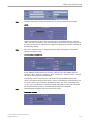
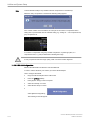
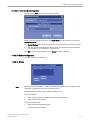
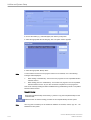
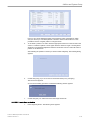
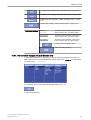
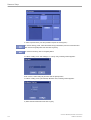
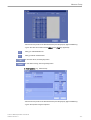
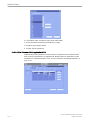
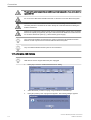
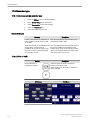
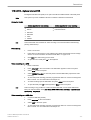
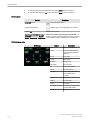
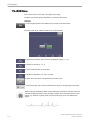
5. The overview window appears:
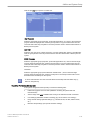
In Pan Zoom the overview image is updated with every Frame. In HD Zoom the overview
image is not updated. It is the last image before HD Zoom was activated.
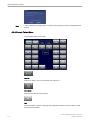
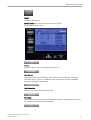
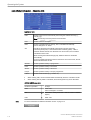
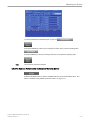
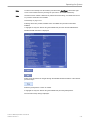
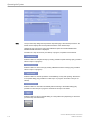
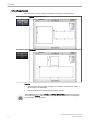
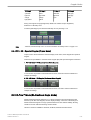
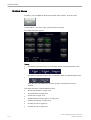
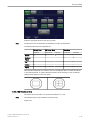
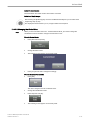
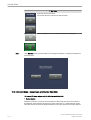
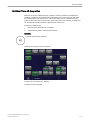
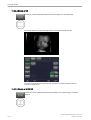
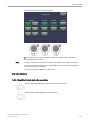
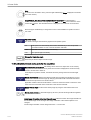
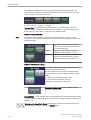
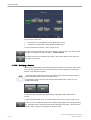
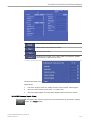
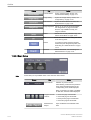
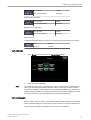
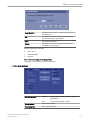
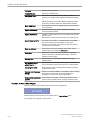
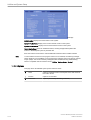
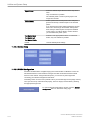
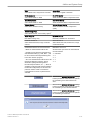
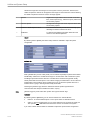
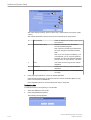
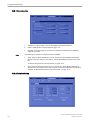
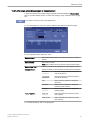
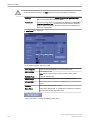
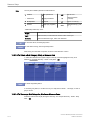
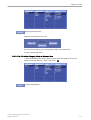
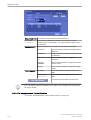
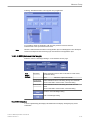
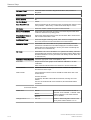
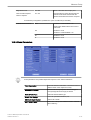
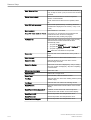
To readjust overview window settings: 'General' on page 14-14
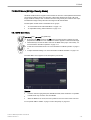
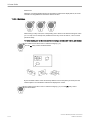
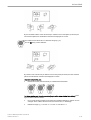
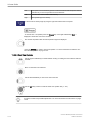
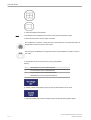
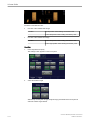
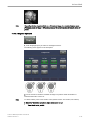
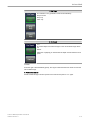
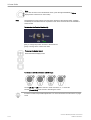
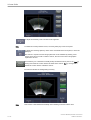
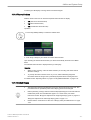
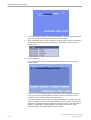
6. To change the Zoom factor, turn the [Zoom] digipot.
Remarks:
•
•
•
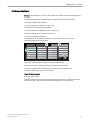
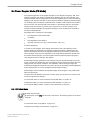
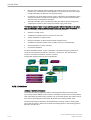
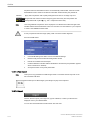
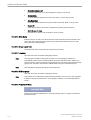
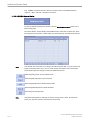
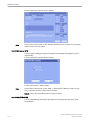
The overview window is available in Full Screen, Quad Screen and Dual Screen and in
the following modes: B-Mode, CFM mode, PD mode, HD-Flow, B-Flow and Contrast.
The overview window is not displayed in following modes: PW mode, CW mode, MMode and 3D/4D Mode. If one of these modes is activated, the overview window is
hidden. If the mode is deactivated again, the overview window appears again.
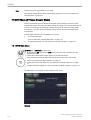
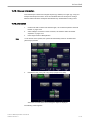
Note
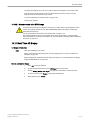
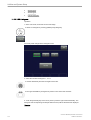
All adjustments (Zoom on/off, Overview Image size and position, Zoom Box pos/size, etc.) are
only applied to the currently active screen (green Voluson™ E8/E8 Expert Logo) and to all
new screens (updated after adjustment).
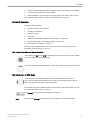
Note
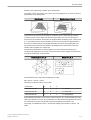
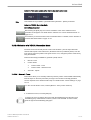
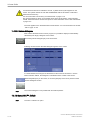
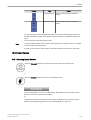
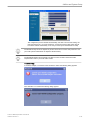
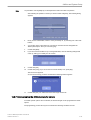
In Power Doppler, Color Doppler and HD-Flow mode the box size and the box position of
Zoom box is the same as the Color box size +10%. When the box size or box position is
changed, the Color box and zoom box are adjusted so that above relation remains constant.
The Zoom box is linked with the color box (changes caused by steering such as steering angle
or box size cause the same changes in the zoom box.) Color is only visible in the overview
window if it was turned on before HD Zoom was activated. Color does not move in the
overview image.
•
•
6-14
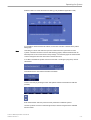
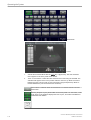
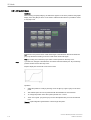
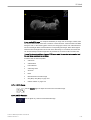
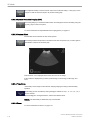
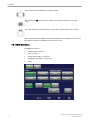
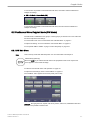
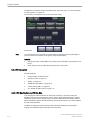
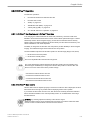
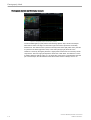
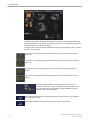
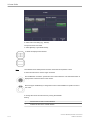
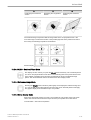
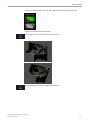
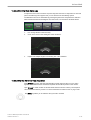
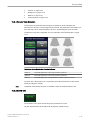
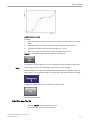
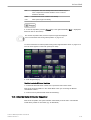
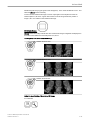
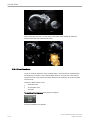
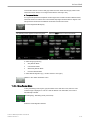
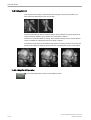
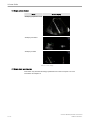
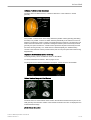
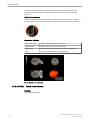
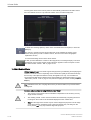
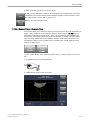
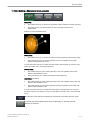
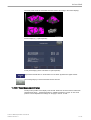
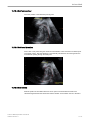
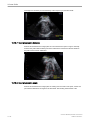
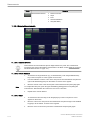
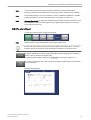
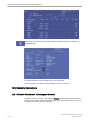
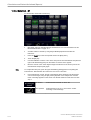
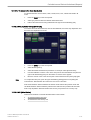
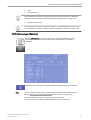
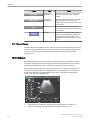
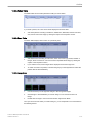
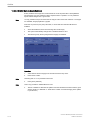
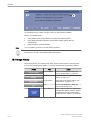
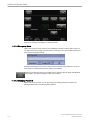
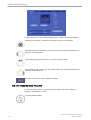
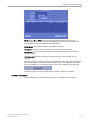
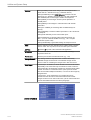
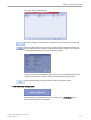
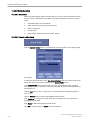
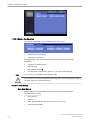
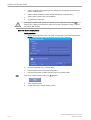
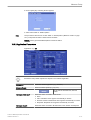
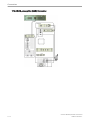
In the overview image the zoom box is depicted with a yellow border and is identical with
the zoomed sector on screen. Using read zoom has not effect whatsoever on the zoom
box in the overview image.
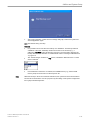
In HD Zoom the overview image is not updated. It is the last image before HD Zoom was
activated.
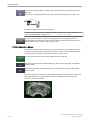
In Pan Zoom the Overview image is updated with every frame. Gray/Chroma adjustment
also affects Overview Image
Voluson™ E8/E8 Expert Basic User Manual
H48691CF Revision 2