1
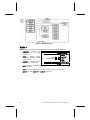
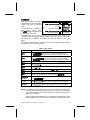
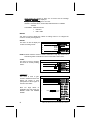
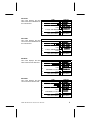
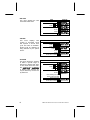
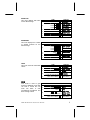
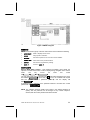
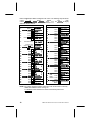
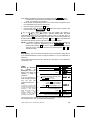
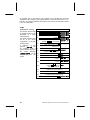
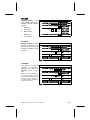
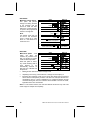
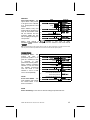
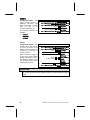
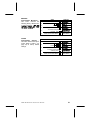
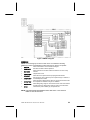
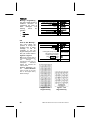
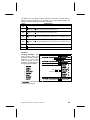
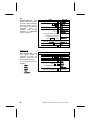
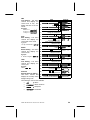
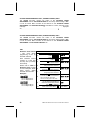
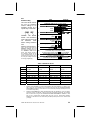
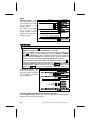
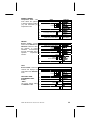
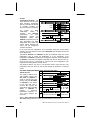
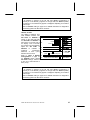
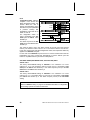
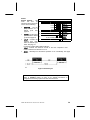
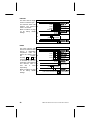
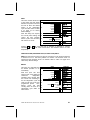
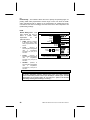
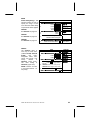
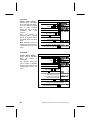
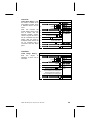
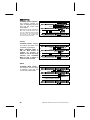
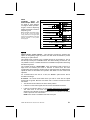
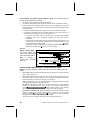
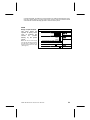
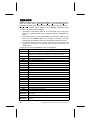
Figure 3 . MENU 1 Diagram MENU 1 MENU 1 is the first group of service mode menus and it contains the following: • • DIAGNOSE - Perform selfdiagnostic check and display possible errors. 1. DISPLAY DIAGNOSE 2. Press A or C to scroll available menus. MOTOR ACCOUNT COIN TEST MENU 2 3. Press Service Button . (Sales Mode) MOTOR - Displays working motors and configures currently working motors. STEP Press Service Button . • ACCOUNT • COIN - For loading or unloading the coin mech tubes and set unconditional acceptance • TEST - Test vend a selection motor or range of selection motors, and test relays. • MENU 2 - Access to MENU 2 (and MENU 3) main menus. - Displays various types of cash and vend totals. and exact change. 2 COMBO • SMVI • SM5700 • RFS • RSQF • SC100 • DUAL ZONE • P/N 4212619