1
66
SmartScan User’s Manual
Setting the 20 mA/4 mA Levels
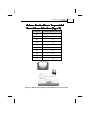
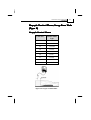
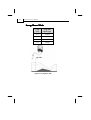
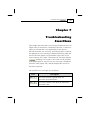
SmartScan enables you to set height, volume or flow values
to be used as 20 mA and 4 mA marks. These values can be
used for remote monitoring of tank level, volume or flow
using an analog meter. The analog output indicates the
current depth in the tank, or the current flow level, as a point
on the meter range between 4 mA and 20 mA. The default
value for 20 mA is the tank height (or the maximal volume
value), and for 4 mA the default value is 0 (or the minimum
volume value).
NOTES:
The values for 20 mA and 4 mA must be different, otherwise an
message is displayed. Both must also be less than the tank height value,
otherwise an
message is displayed.
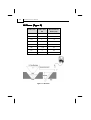
In both distance and level measurement modes, the dead-zone area
affects the maximum values that can be used for 20 mA/4 mA levels. For
SmartScan 25 models, the maximum 20 mA/4 mA value is tank height
minus 0.6 m/1.9 ft. For SmartScan 50 models, the maximum
20 mA/4 mA value is tank height minus 0.4 m/1.3 ft.
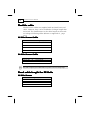
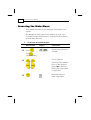
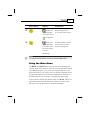
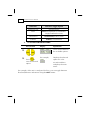
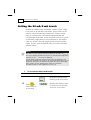
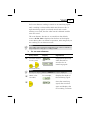
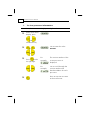
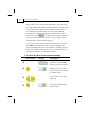
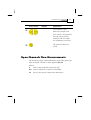
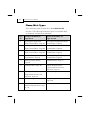
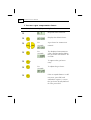
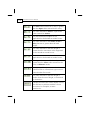
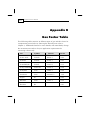
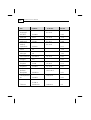
To set the 20 mA/4 mA levels:
Press/Action
Display
Explanation
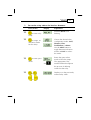
With the required option
flashing in the main menu.
µ
Press
to
enter 20 mA or
4 mA setup.
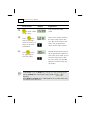
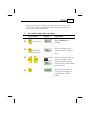
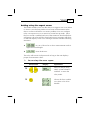
Displays the default value
or the previously entered
20 mA or 4 mA value.