1
Additional Features
CHAPTER 5
109
NOTES:
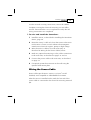
You can exit Pr 2 at any stage by pressing the ESC button. However, it
is recommended that you first enter at least eight points for the function.
The same strapping table is used for functions Pr 1 and Pr 2. Any
change made from either of the functions will be applied to the one
mutual table.
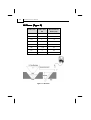
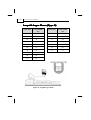
A minimum of eight (8) strapping points should be entered into the table
to receive accurate readings. Maximal number of strapping points to be
entered is twenty four (24).
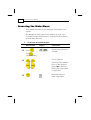
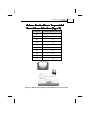
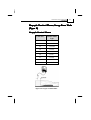
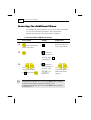
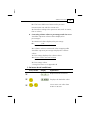
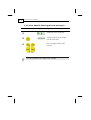
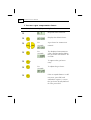
To insert values semi-automatically:
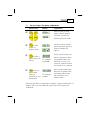
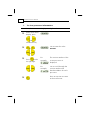
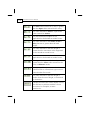
Press/Action
Display
Explanation
µ
Required menu selection.
µ
Setup for the first point.
µ
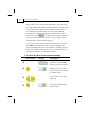
Enters distance reading
mode.
and
or the
previously
saved value.
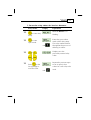
µ
µ
For
example,
Press
to
save the current
scanned distance
Displays the distance
SmartScan is currently
scanning.
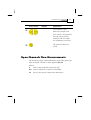
Displays 0 or the
previously entered
volume value. Enter the
volume value, as