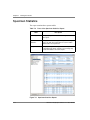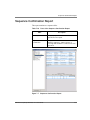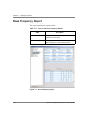
1
Chapter 7
Viewing the Results
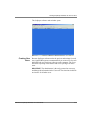
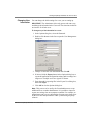
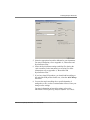
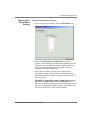
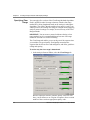
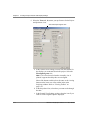
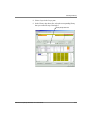
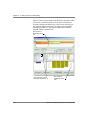
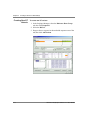
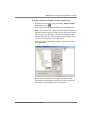
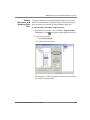
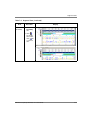
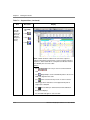
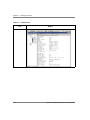
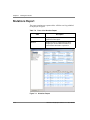
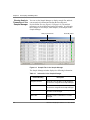
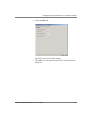
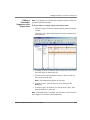
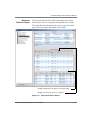
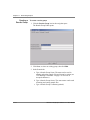
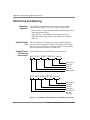
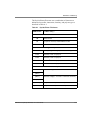
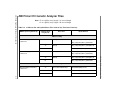
Mutations Report
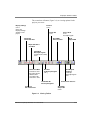
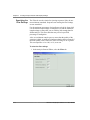
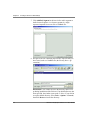
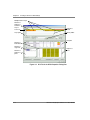
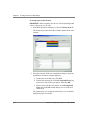
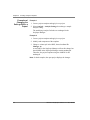
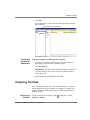
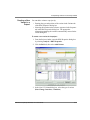
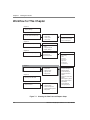
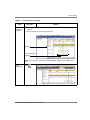
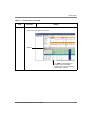
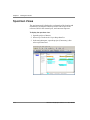
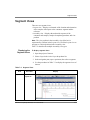
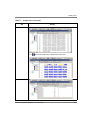
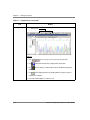
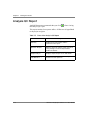
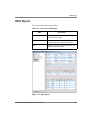
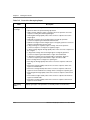
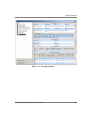
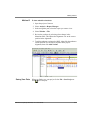
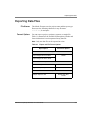
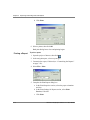
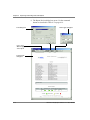
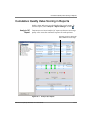
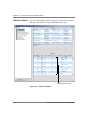
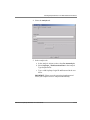
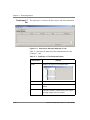
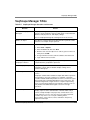
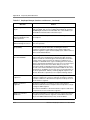
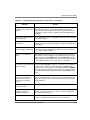
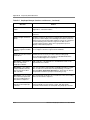
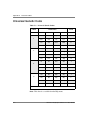
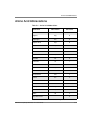
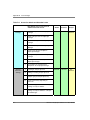
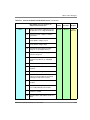
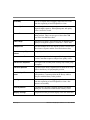
The report contains two separate tables. All blue text is hyperlinked
to the project navigator.
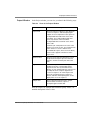
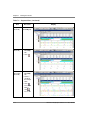
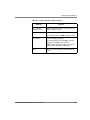
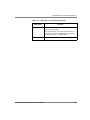
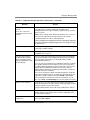
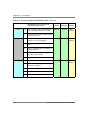
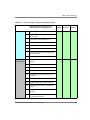
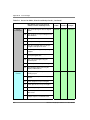
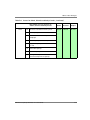
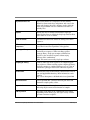
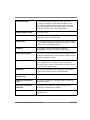
Table 7-6
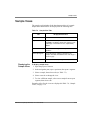
Parts of the Mutation Report
Table
Summary
Displays project information and the
specimens in the report.
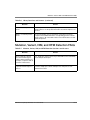
Mutation
Displays the bases changed, ROI, position,
length, type, QV, and effect information for
each mutation detected in a specimen.
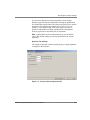
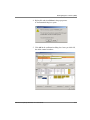
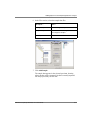
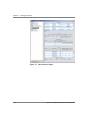
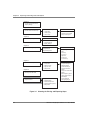
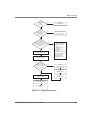
Figure 7-4
7-28
Description
Mutations Report
ABI PRISM SeqScape Software v2.1 User Guide
DRAFT
August 28, 2003 2:54 pm, 7_Viewing_Results.fm