1
Chapter 4
Creating a Reference Data Group
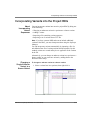
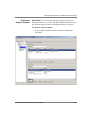
Save To Manager
As Button
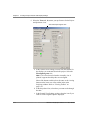
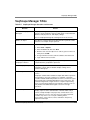
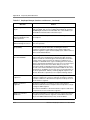
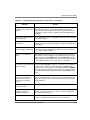
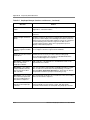
The selections on the Analysis menu, RDG Properties, Analysis
Defaults and Display Settings have the Save To Manager As button
available for all tabs in each dialog box. The purpose of saving these
elements of the project is to have them available to use for changes to
the project template for that particular project or other projects that
are created.
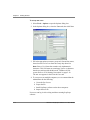
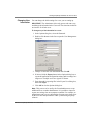
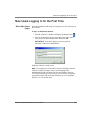
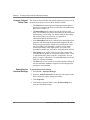
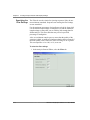
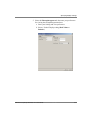
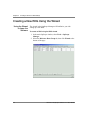
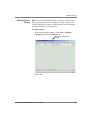
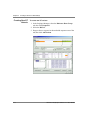
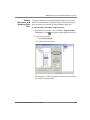
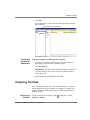
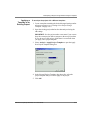
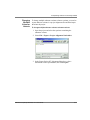
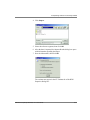
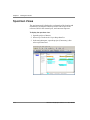
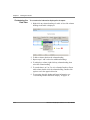
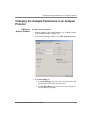
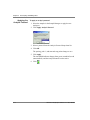
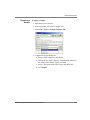
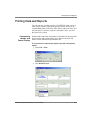
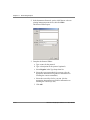
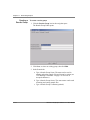
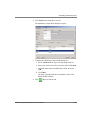
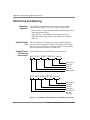
To use the Save To Manager As button:
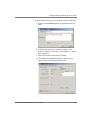
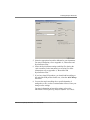
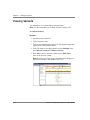
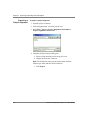
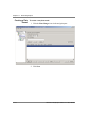
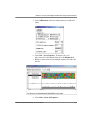
1. With the project open, select the Analysis menu, then select
RDG Properties, Analysis Defaults or Display Settings.
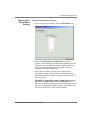
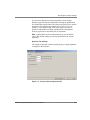
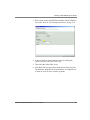
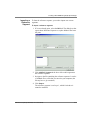
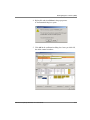
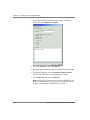
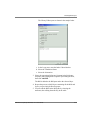
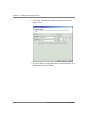
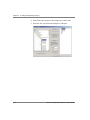
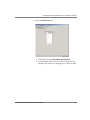
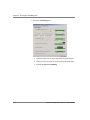
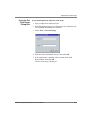
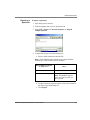
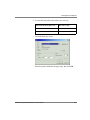
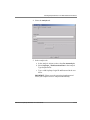
2. Select any tab in any of these three dialog boxes, then click Save
to Manager As.
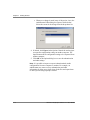
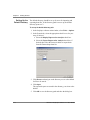
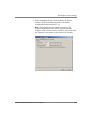
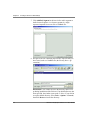
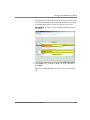
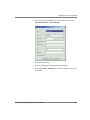
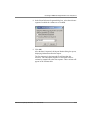
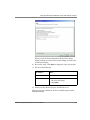
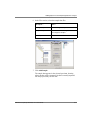
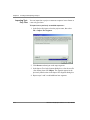
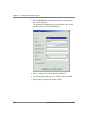
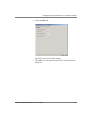
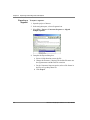
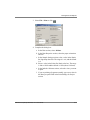
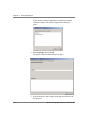
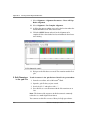
3. In the Name field, enter a new name, or accept the default
nameCopy and click OK.
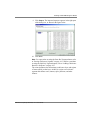
The saved copy is available to import into another project.
4-42
ABI PRISM SeqScape Software v2.1 User Guide
DRAFT
August 28, 2003 2:54 pm, 4_Create_RDG.fm