1
6.
Remote Console (KVM) Operation
6.1
General Description
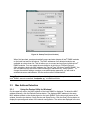
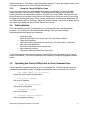
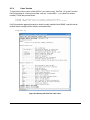
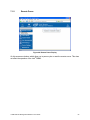
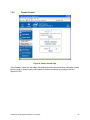
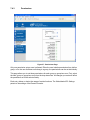
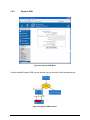
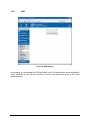
The Remote Console is the redirected keyboard, video, and mouse of the remote host system
where the Intel® RMM2 is installed.
Figure 29: Remote Console
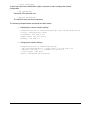
The Remote Console window is a Java applet that establishes a TCP connection to the Intel®
RMM2. The protocol that is run over this connection is a unique KVM protocol and not HTTP or
HTTPS. This protocol uses port #443. Your local network environment must permit this
connection to be made, i.e. your firewall and, in case you have a private internal network, your
NAT (Network Address Translation) settings have to be configured accordingly.
6.2
Main Window
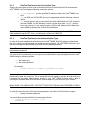
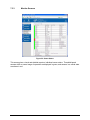
Starting the Remote Console opens an additional window. It displays the screen content of your
remote server. The Remote Console will behave exactly as if you were located at the remote
server. The responsiveness of the keyboard and mouse may be slightly delayed depending on
the bandwidth and latency of the network between the Intel® RMM2 and Remote Console.
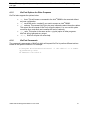
The Remote Console window always tries to show the remote screen with its optimal size. That
means it will adapt its size to the size of the remote screen initially and after the screen resolution
of the remote screen has been changed. However, you can always resize the Remote Console
window in your local system window as usual.
Intel® Remote Management Module 2 User Guide
43