1
7.6.3.5
User Blocking
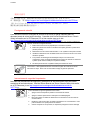
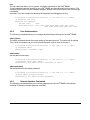
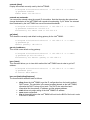
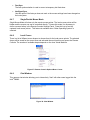
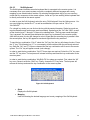
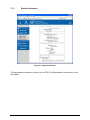
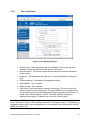
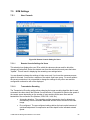
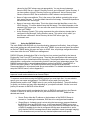
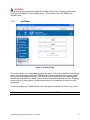
When someone attempts to login to the Intel® RMM2 and fails, you can specify how many failed
login attempts the Intel® RMM2 should tolerate before waiting the specified number of "Block
Time" minutes before it allows further logins. This is useful for blocking automated hacking
attempts. There are no default values for these settings.
•
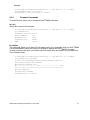
Maximum number of failed logins
Enter the maximum number of failed login attempts after which it should not be possible for this
user to login anymore. Leave this field empty to disable the user blocking feature.
•
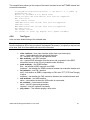
Block time
The number of minutes the user is blocked after he exceeded his maximum number of failed
login attempts. Leave this field empty to block him for an infinite amount of time until he is
manually unblocked again.
7.6.3.6
Login Limitations
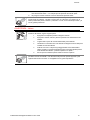
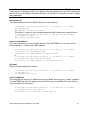
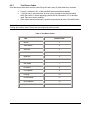
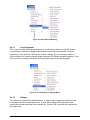
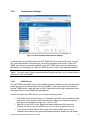
You can specify if only a single user is allowed to login to the Intel® RMM2 at one time. Note
that if you do so, this greatly reduces the usefulness of some functions, for example the chat
window. Additionally, if another administrator is logged in from a different location, you will be
blocking access to the Intel® RMM2.
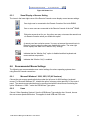
Password aging is the time interval at which users are required to change the password. Some
systems refer to this as "Password Expiry".
78