1
SPROG II User Guide
28
Using the DecoderPro Throttle
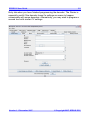
Using a DecoderPro throttle, it is possible to test run a loco after
programming CVs, e.g., to test the effect of changing the speed table of
function mapping. Using a rolling road or a continuous loop of track for
programming is recommended for test running.
Using PanelPro and the throttle, it is possible to control a small “one engine in
steam” layout, including control of accessories (e.g. point motors) with
SPROG II. More than one loco may be present on the layout but only one
may be selected on the throttle and driven at one time.
!
Care should be taken when using the service mode programmer that
only one loco is on the layout during programming, or that the layout
is isolated except for a short section of track for programming. If a
programming operation is performed whilst the whole layout is
connected, then incorrect data will be read from CVs and all locos on
the layout will be re-programmed.
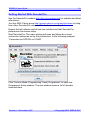
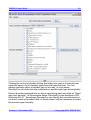
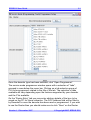
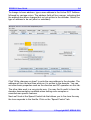
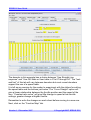
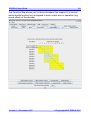
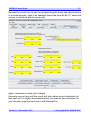
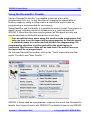
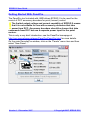
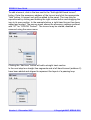
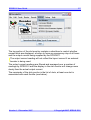
On the main DecoderPro window, click on the “Tools” menu item and then
select “Throttles” and “New Throttle…”
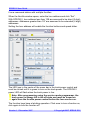
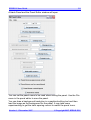
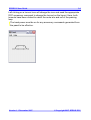
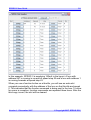
SPROG II, when used as a programmer, supports the use of one DecoderPro
throttle. See “Layout Control with SPROG II” for details of how to use SPROG
Version 1.1 December 2007
© Copyright 2007 SPROG DCC