1
SPROG II User Guide
30
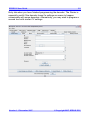
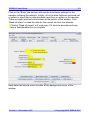
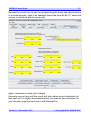
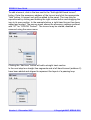
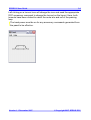
To control the loco speed, click and drag the slider caret (the pointy bit!). For
fine control of speed, click on the slider just above or below the caret.
The “STOP!” button will stop the loco but does not turn off the track power.
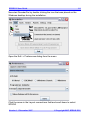
To set a different loco address, click the “Dispatch” or “Release” button.
These two buttons have the same effect with SPROG II.
Speed Matching of Locos
To come in a future release of this document…
Measuring Loco Current
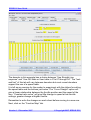
Loco current may be measured by using SPROG II in command station mode
and using the slot monitor, see “Layout Control with SPROG II”.
Version 1.1 December 2007
© Copyright 2007 SPROG DCC