1
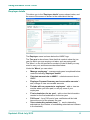
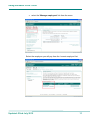
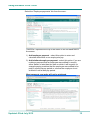
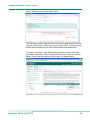
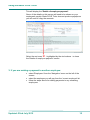
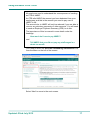
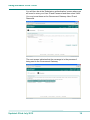
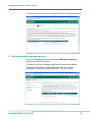
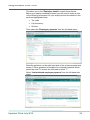
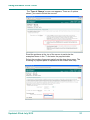
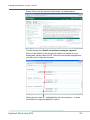
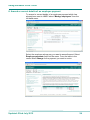
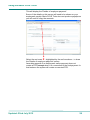
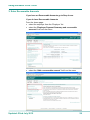
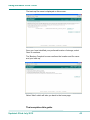
Using the Basic PAYE Tools 'View on hold submissions ( )’ – submissions that have been sent but a success or fail message has not yet been received from HMRC 'View successful submissions' - view successful submissions 'View failed submissions' - view failed submissions 'View expired submissions’ - submissions that have been sent but a success or fail message could not be obtained from HMRC 'PAYE scheme ceased' - add or view the date this PAYE scheme ceased 'Record of funding' - add or view any funding received from HMRC ‘Employer forms’ - forms that an employer may need to complete You can also change employer details by selecting 'Change employer details' from bottom right of the screen Employee details From the 'Employer details' screen select 'Manage employees' from the top left of the screen. This takes you to the 'Manage employees' screen shown below. The 'Menu' on the left contains links to tasks you may need to carry out. The table in the centre of the screen lists all of your current employees. Click on the employee name - Mr John Taylor. Updated: 22nd July 2015 7