1
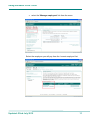
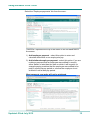
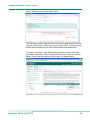
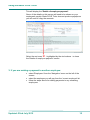
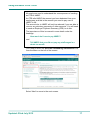
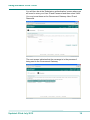
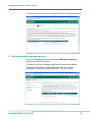
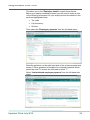
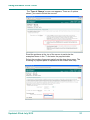
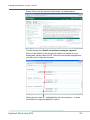
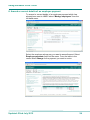
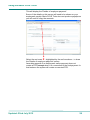
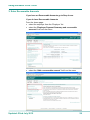
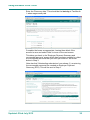
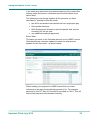
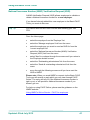
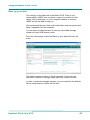
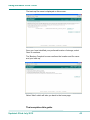
Using the Basic PAYE Tools This takes you to the 'Employee details' screen shown below. Before you make a mistimed payment you will need to make a note of the following information for your employee from the details in the sections highlighted below: Tax code Pay frequency NI letter Then select the 'Employee payments' from the left hand menu. Read the guidance on the right hand side of the employee payments screen. Further guidance is available for mistimed payments which should be read. To access the information select '?'. Select 'Add mistimed employee payment' from the left hand side menu. Updated: 22nd July 2015 20