1
▍ BIOS Setup
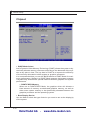
Chipset
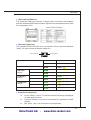
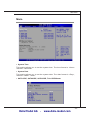
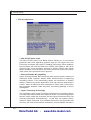
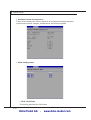
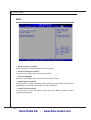
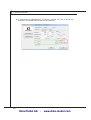
▶ DVMT Mode Select
Intel’s Dynamic Video Memory Technology (DVMT) allows the system to dynamically allocate memory resources according to the demands of the system at any point in time. The key idea in DVMT is to improve the efficiency
of the memory allocated to either system or graphics processor.
It is recommended that you set this BIOS feature to DVMT Mode for maximum performance. Setting it to DVMT Mode ensures that system memory
is dynamically allocated for optimal balance between graphics and system
performance.
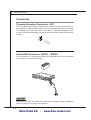
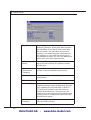
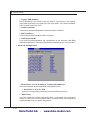
▶ DVMT/FIXED Memory
When set to DVMT/FIXED Mode, the graphics driver will allocate a
fixed amount of memory as dedicated graphics memory, as well as
allow more system memory to be dynamically allocated between the
graphics processor and the operating system.
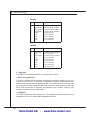
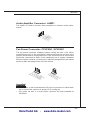
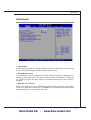
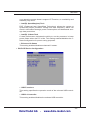
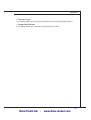
▶ Boot Display Device
Use the field to select the type of device you want to use as the display(s)
of the system.
3-16
Data Modul AG - www.data-modul.com