1
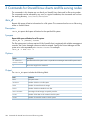
3 Commands for StoreAll Linux clients and file serving nodes
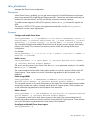
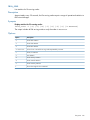
The commands in this chapter are run directly on StoreAll Linux clients and/or file serving nodes.
The commands can be executed by any user. In a typical installation, the commands are run from
the working directory /usr/local/ibrix/bin.
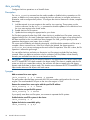
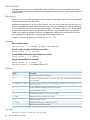
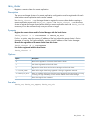
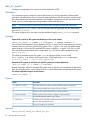
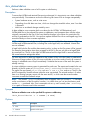
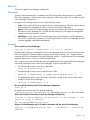
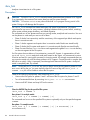
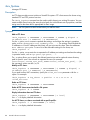
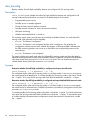
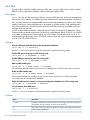
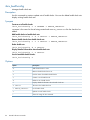
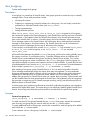
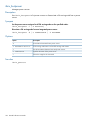
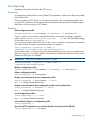
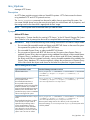
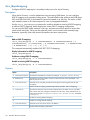
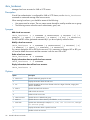
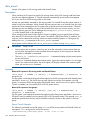
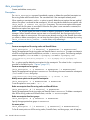
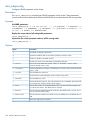
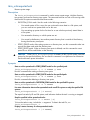
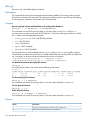
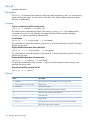
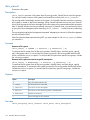
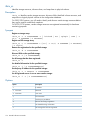
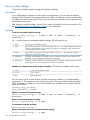
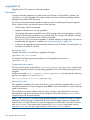
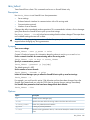
ibrix_df
Reports disk space utilization information for a file system. This command can be run on file serving
nodes or StoreAll clients.
Description
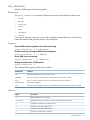
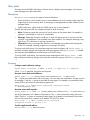
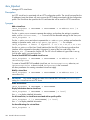
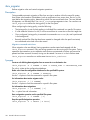
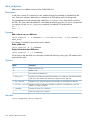
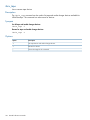
ibrix_df reports disk space utilization for the specified file system.
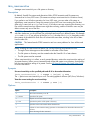
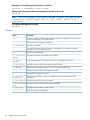
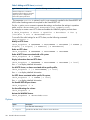
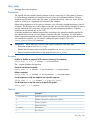
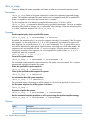
Synopsis
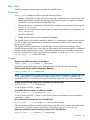
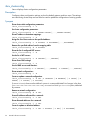
Report disk space utilization for a file system:
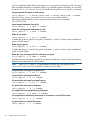
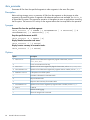
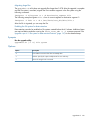
ibrix_df -f [fmname]:fsname
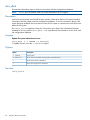
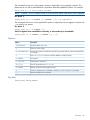
The file system name is always required. If this StoreAll client is registered with multiple management
consoles, the Fusion Manager name must also be entered. Specify the Fusion Manager and file
system as a colon-separated pair: fmname:fsname. For example:
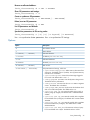
ibrix_df -f FM01:ifs1 -F
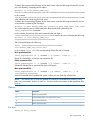
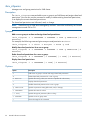
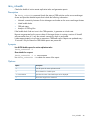
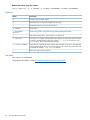
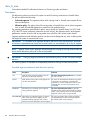
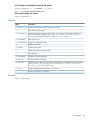
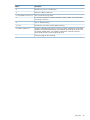
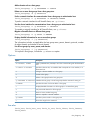
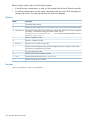
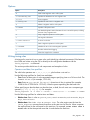
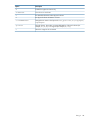
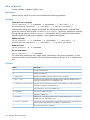
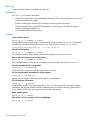
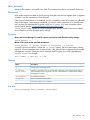
Options
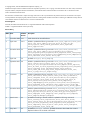
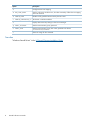
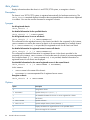
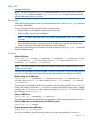
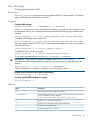
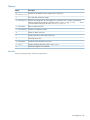
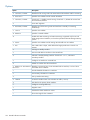
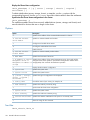
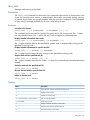
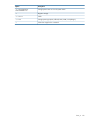
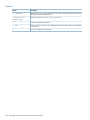
Option
Description
-f fsname or
fmname:fsname
Specifies either a file system name or a paired Fusion Manager name and file system name.
-?
Shows the usage for this command.
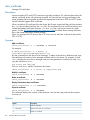
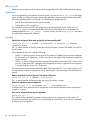
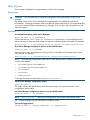
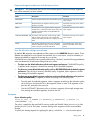
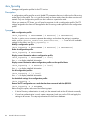
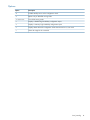
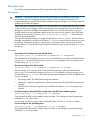
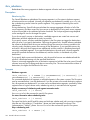
Output
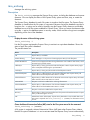
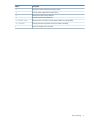
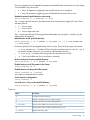
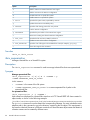
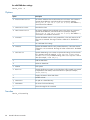
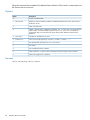
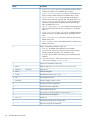
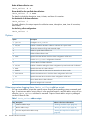
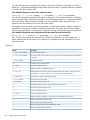
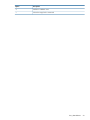
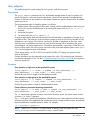
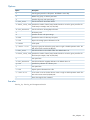
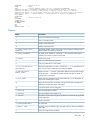
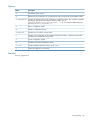
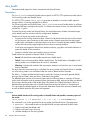
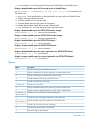
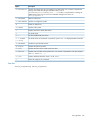
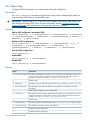
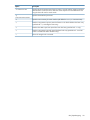
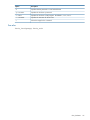
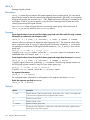
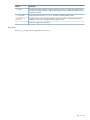
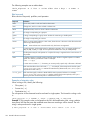
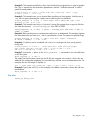
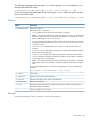
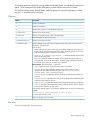
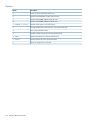
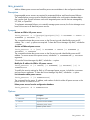
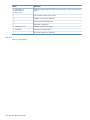
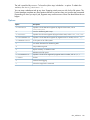
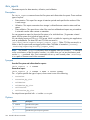
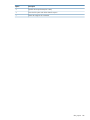
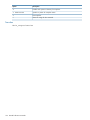
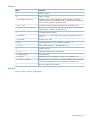
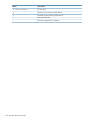
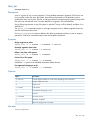
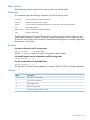
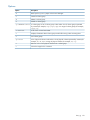
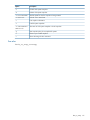
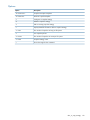
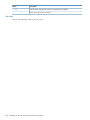
The ibrix_df report includes the following fields:
Field
Definition
Name
File-system name.
CAPACITY
Number of blocks in the file system.
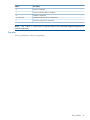
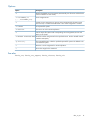
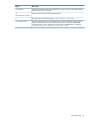
FREE
Number of unused blocks of storage.
AVAIL
Number of blocks available for user files.
USED PERCENT
Percentage of total storage occupied by user files.
FILES
Number of files that can be created in the file system.
FFREE
Number of unused file inodes in the file system.
184 Commands for StoreAll Linux clients and file serving nodes