1
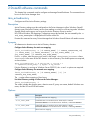
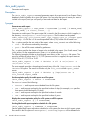
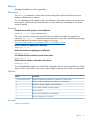
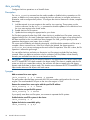
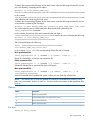
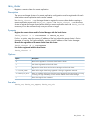
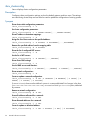
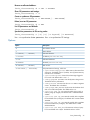
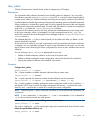
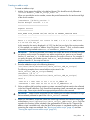
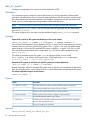
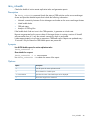
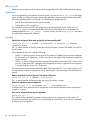
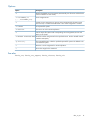
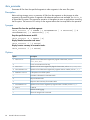
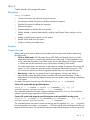
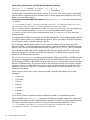
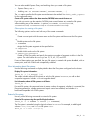
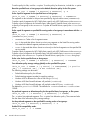
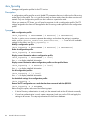
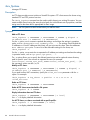
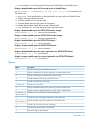
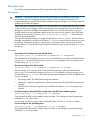
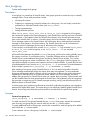
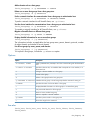
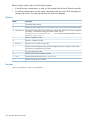
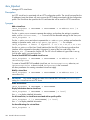
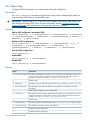
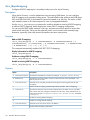
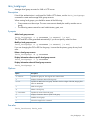
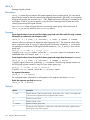
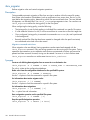
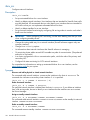
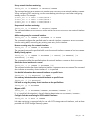
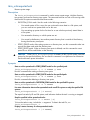
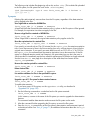
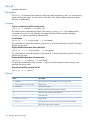
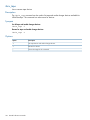
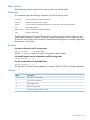
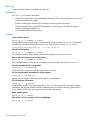
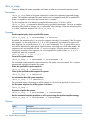
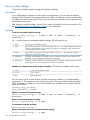
Remove the access entry for a client:
ibrix_exportfs -U -f FSNAME -p CLIENT1:PATHNAME1,CLIENT2:PATHNAME2,..
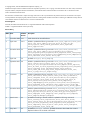
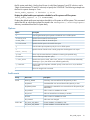
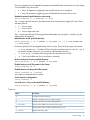
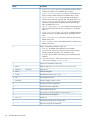
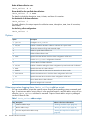
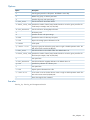
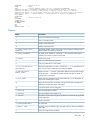
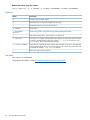
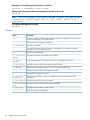
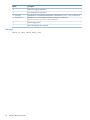
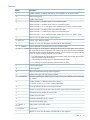
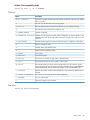
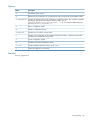
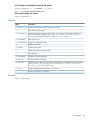
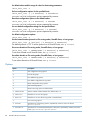
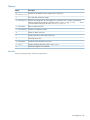
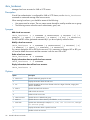
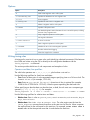
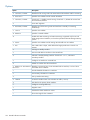
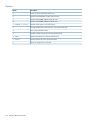
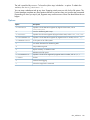
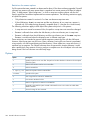
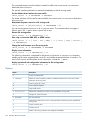
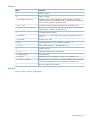
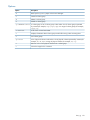
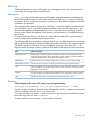
Options
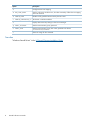
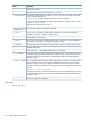
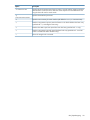
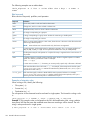
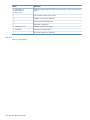
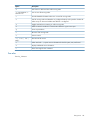
Option
Description
-U
Unexports the named file system.
-b
Excludes the file serving node standby from the export.
-c
Specifies file-system access for a StoreAll client.
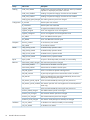
-f FSNAME
A file system.
-h HOSTNAME or
HOSTLIST
A file serving node or a list of file serving nodes exporting a file system.
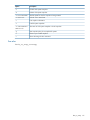
-l
Lists all NFS export entries, or lists entries on a named host.
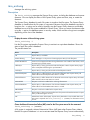
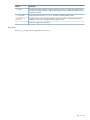
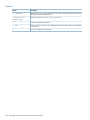
-o "OPTIONS "
Linux exportfs options. Standard NFS export options are supported. Options must be
enclosed in double quotation marks (for example, -o "ro"). Do not enter an FSID=
or sync option. They are automatically provided.
-p CLIENT:PATHNAME
The path to the exported file system and the NFS client that can access it. The NFS client
can be specified by the name or IP of a file serving node, a file serving node name with
a wildcard (for example, *.hp.com), or a netmask.
-?
Shows the usage for this command.
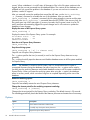
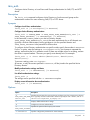
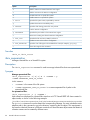
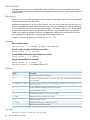
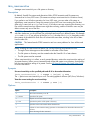
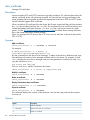
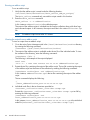
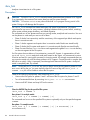
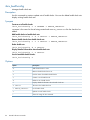
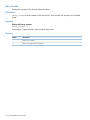
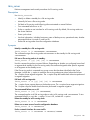
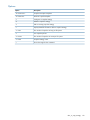
See also
Linux exportfs command
“Exporting a file system” in the HP StoreAll Storage File System User Guide
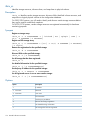
64
StoreAll software commands