1
21
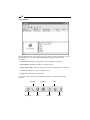
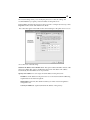
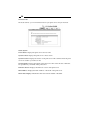
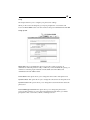
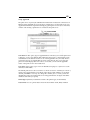
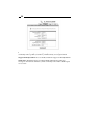
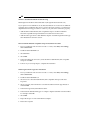
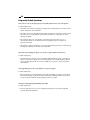
Status: Printer
Manufacturer: Displays the name of the printer manufacturer.
Model Number: Displays the model of the printer.
Printing Language Supported: Displays the printing languages supported by the printer.
Current Status: Displays the current status of the printer.
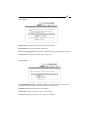
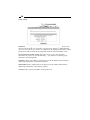
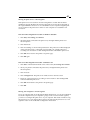
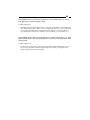
Status: TCP/IP
Use DHCP/BOOTP: Displays the DHCP/ BOOTP status. When ON, the print server is
obtaining IP-related settings automatically from your DHCP server.
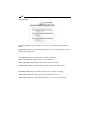
IP Address: Displays the print server’s IP address.
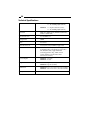
Subnet Mask: Displays the printer server’s subnet mask.
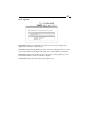
Gateway’s IP: Displays the print server’s gateway IP address.