1
25
Setup
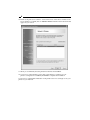
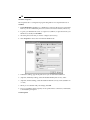
The Setup tab allows you to configure your print server settings.
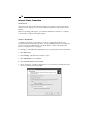
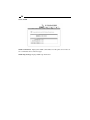
When you first access the Setup tab, you may be prompted for a User Name and
Password. Enter admin as the user name and leave the password field blank. Click OK.
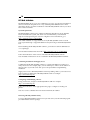
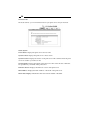
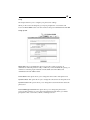
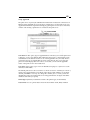
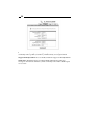
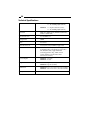
Setup: System
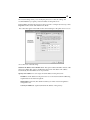
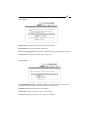
Email Alert: Choose to Enable this option if you want to send an e-mail to an
administrator when the printer is ready or offline. If you have Enabled this option, you
will have to enter the proper information in the SMTP Server IP Address and
Administrator E-mail Address fields.
Device Name: This option allows you to change the device name of the print server.
System Contact: This option allows you to change the contact name for the print server.
System Location: This option allows you to change the location information about the
print server.
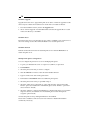
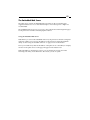
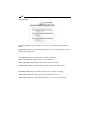
Password/Re-type Password: This option allows you to change the print server’s
password. The next time you access the web configuration Setup menu, you will be
prompted to enter a user name (“admin”) and this password.