1
6
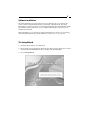
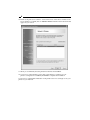
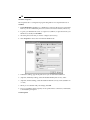
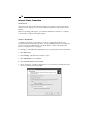
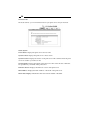
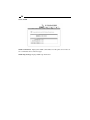
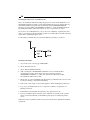
4. After installation completes, the Setup Wizard message appears. Click on Network
Print Server Setup Wizard to configure the print server settings and add the printer
to the computer.
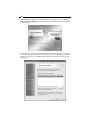
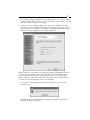
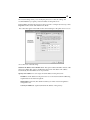
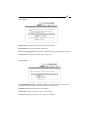
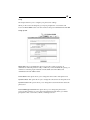
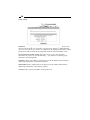
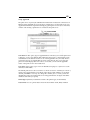
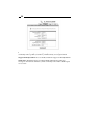
5. On the Welcome screen click Next. The Wizard will automatically discover the print
server and bring up the Select A Print Server screen. This screen displays information
about your print server’s IP address, MAC address, port number and status. Click
Next again.