1
19
Internet Printer Connection
IPP Overview
This print server supports the Internet Printing Protocol (IPP). Using the appropriate
software on your system, you can create an IPP print path from your system over the
Internet.
Note: For incoming path requests, your network administrator will have to configure
your firewall to accept incoming IPP requests.
Windows XP/2000/2003
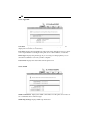
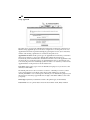
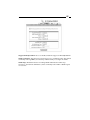
For Windows XP, 2000, or Server 2003, you can use a supported web browser (for
example, Netscape or Internet Explorer) to view the embedded web server on the print
server. Contact your administrator to get the IP address or URL of the printer and
browse to the print server’s web page.
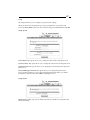
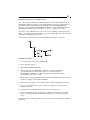
For example, to install Windows 2000 by IPP service you must perform the following
steps:
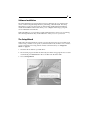
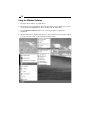
1. Click Start.
2. Click Settings, and then select “Printers.”
3. Click Add Printer. Click Next.
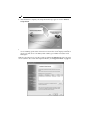
4. Select “Network Printer” and click Next.
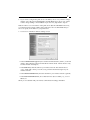
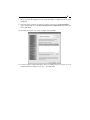
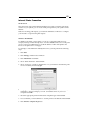
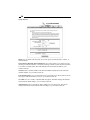
5. Select “Connect to a printer on the Internet or on your intranet” and enter the print
server’s IP address, followed by /lp1.
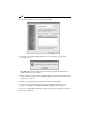
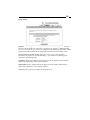
6. The program will automatically search for an HP printer. If it does not find one, it
will display a message asking if you want to install the driver on your local
computer. Click OK.
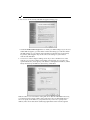
7. Select the appropriate printer manufacturer and printer type and click Next.
8. Choose whether you want Windows to use this printer as the default and click Next.
9. Click Finish to complete the process.