1
5
Software Installation
The initial installation program must be run from a Windows PC. You will have the
choice of either using the Setup Wizard or performing a Manual Install. The Setup
Wizard lets you get your print server up and running quickly. Manual Installation
installs the PSAdmin software that allows you to configure and manage your print
server in NetWare environments.
Note: Depending on your operating system and the firmware version you are running,
the following instructions may not be identical to what you see on your screen.
The Setup Wizard
Note: The following instructions assume you have the print server set to Normal mode
and are using a wireless access point (i.e., Infrastructure mode). If there is not a wireless
access point and you are using Ad Hoc wireless communications, see “Diagnostic
Mode” on page 11.
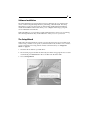
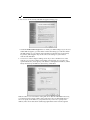
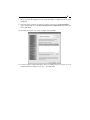
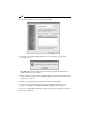
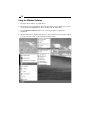
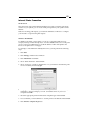
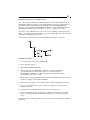
1. Insert the driver disk into your disk drive.
2. The Autorun program should automatically start. If the setup program does not start
automatically, run Autorun.exe in the root folder from the driver disk.
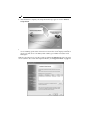
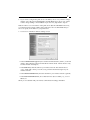
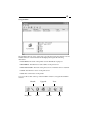
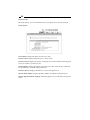
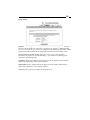
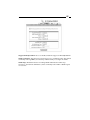
3. Choose Setup Wizard.