1
Playing a Tape
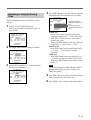
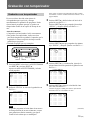
Playing/searching at various
speeds
Playing a tape
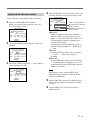
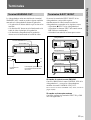
This section shows you how to play a video tape.
2
3
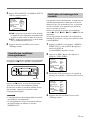
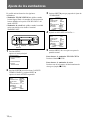
You can play back a tape at various speeds: highspeed, still, slow and so on. These options are also
useful for searching for a specific point during
playback. The sound is muted during these operations.
6
r
p
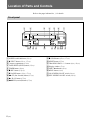
6 EJECT
P
0
(
)
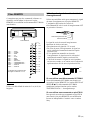
p STOP
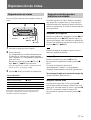
0 REW ) FF
P PAUSE
1
2
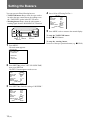
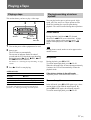
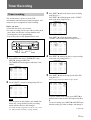
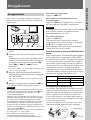
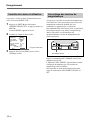
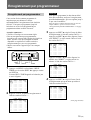
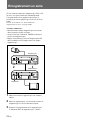
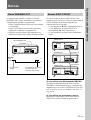
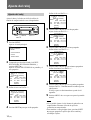
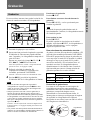
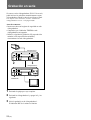
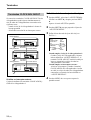
Turn on the power of the equipment to be used.
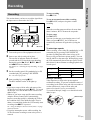
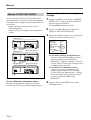
Insert a tape.
The VCR turns on automatically.
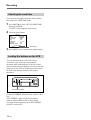
The cassette in indicator flashes for about 5
seconds and the VCR checks the tape threading.
During this period, ( PLAY, r REC, ) FF
and 0 REW do not function.
For details, see “Checking the tape threading” on page
15(US).
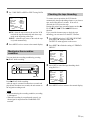
3
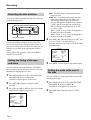
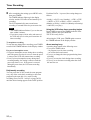
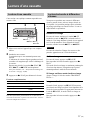
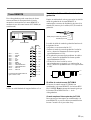
Press ( PLAY to start playing.
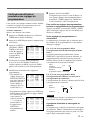
Picture search
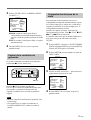
During playback, hold down ) FF (forward
direction) or 0 REW (reverse direction). A highspeed picture appears on the monitor screen. To
resume normal playback, release ) FF or 0
REW.
Note
During picture search, streaks or noise appear on the
monitor screen.
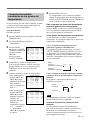
Still picture
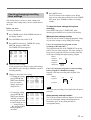
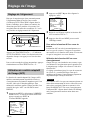
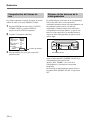
During playback, press P PAUSE.
To resume normal playback, press ( PLAY.
When the still mode lasts for more than approximately
5 minutes, the VCR will automatically resume the
playback mode.
Additional tasks
To
Press
Stop play
p STOP
Fast-forward the tape
) FF during stop
Rewind the tape
0 REW during stop
Eject the tape
6 EJECT
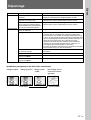
For further information on searching and playback
functions, see “Playing/searching at various speeds.”
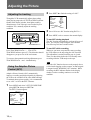
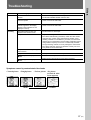
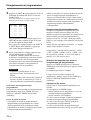
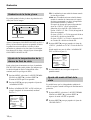
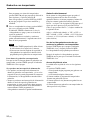
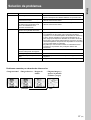
If the picture shakes in the still mode
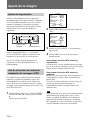
Adjust the picture with TRACKING/DATA +/–.
Slow-motion picture
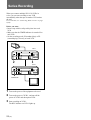
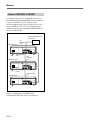
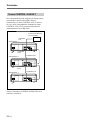
In the still mode, press P PAUSE again to get a slowmotion picture at one-fifth the normal speed. By
pressing P PAUSE again, the still mode resumes.
To resume normal playback, press ( PLAY.
17 (US)