1
Bar Codes
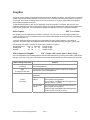
The Extech printer series print several barcode symbologies including Linear and 2D barcodes.
The following commands are used to print barcodes:
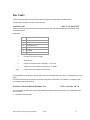
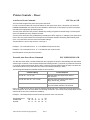
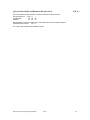
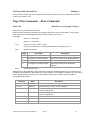
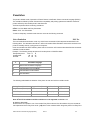
Print Bar Code
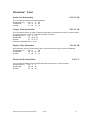
ESC z t n h data CR LF
This command will print a barcode without human readable text. The following table describes the Bar Code
command structure.
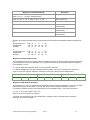
Parameters:
t
Barcode
1
Code 39
2
Code 128,UCC/EAN-128
3
Interleaved 2 of 5
4
UPC/EAN/JAN
5
Codabar
9
PDF417 *
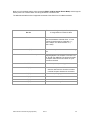
z
bar code is non-human readable
t
barcode type.
n
number of character bytes in data array. 1 ≤ n ≤ 255
h
height of bar code printed in increments of 0.125mm
data
n characters to be encoded in the barcode.
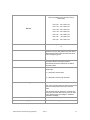
*The parameters for the PDF417 barcode differs from the Linear Barcodes. See PDF-417 specifications for more
detail.
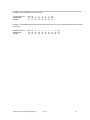
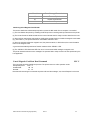
Note that all barcodes are printed with the minimum bar width (“x-dimension”) of 0.250mm, in compliance with
the respective official specification.
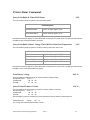
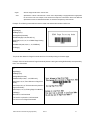
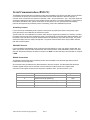
Print Bar Code with Human Readable Text
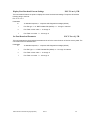
ESC Z t n h data CR LF
This command prints a barcode with Human Readable Text below the barcode. Refer to the parameters of the
prior command.
Z
Indicates human readable
Extech Printer Command Language (ExPCL)
Rev H
13