1
all.book
Page 42 Tuesday, March 29, 2005
9:08 AM
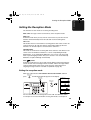
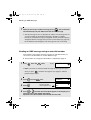
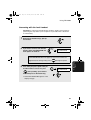
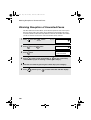
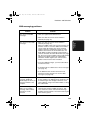
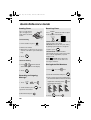
Receiving SMS Messages
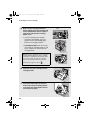
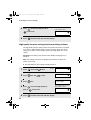
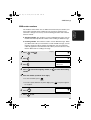
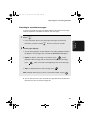
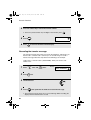
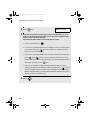
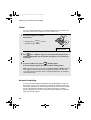
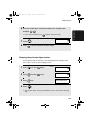
2
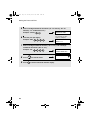
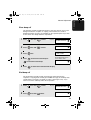
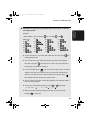
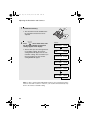
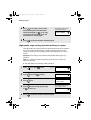
Press
display.
or
• You can press
until the message you wish to read appears in the
and then
in the display, or press
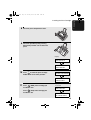
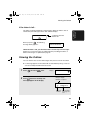
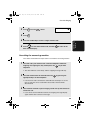
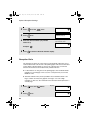
3
To read the message, press
START/
MEMORY
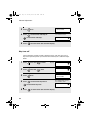
to delete a message when it appears
to print the message.
. The text of the message appears in the
display.
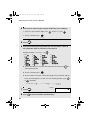
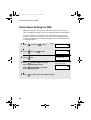
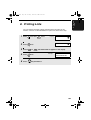
• Press
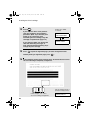
4
or
as needed to scroll through the message.
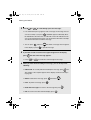
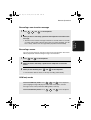
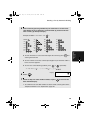
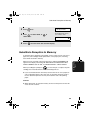
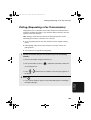
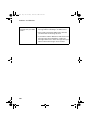
When you have finished reading the message, you can do any of the
following:
• Reply: To reply to the sender, press
twice. The number of the sender
appears in the display. Continue from Step 5 on page 36.
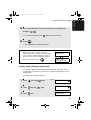
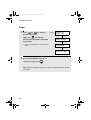
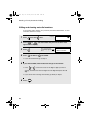
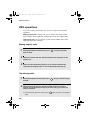
• Delete: To delete the message, press
• Print: To print the message, press
and then
START/
MEMORY
.
.
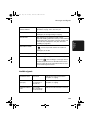
• Read other messages: To return to the message list, press
• Exit: To return to the date and time display, press
.
.
Note: If a received message uses fonts or image formats not supported by
the fax machine, those characters or images will appear as blanks.
42