1
DGS-3100 Gigabit Ethernet Switch Manual
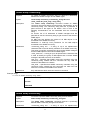
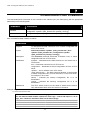
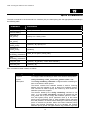
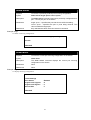
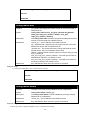
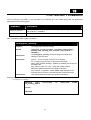
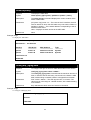
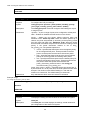
Parameters
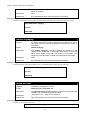
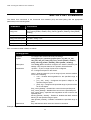
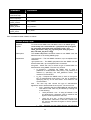
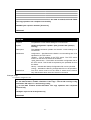
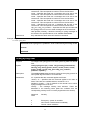
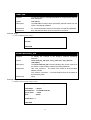
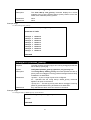
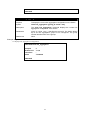
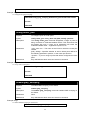
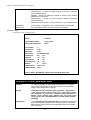
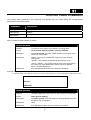
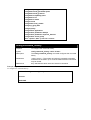
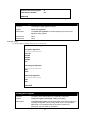
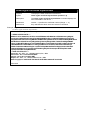
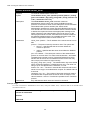
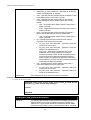
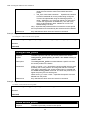
<username 1-48> – The username of the remote SSH client.
rsa – Indicates the RSA key pair is manually configured.
dsa – Indicates the DSA key pair is manually configured.
Restrictions
Only administrator-level users can issue this command.
Example usage:
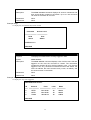
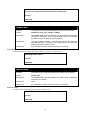
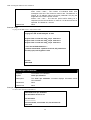
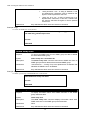
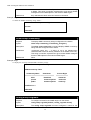
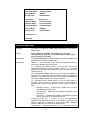
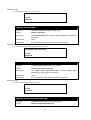
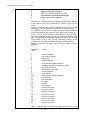
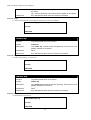
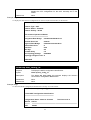
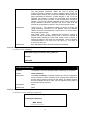
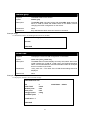
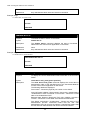
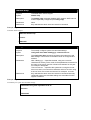
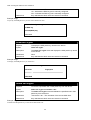
To specify the SSH public key for the remote SSH client bob:
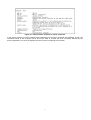
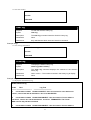
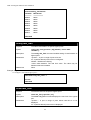
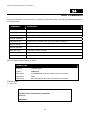
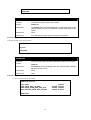
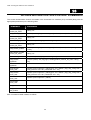
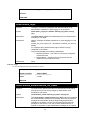
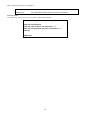
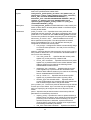
DGS3100# config ssh crypto bob
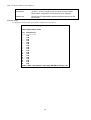
rsa RSA key
dsa DSA(DSS) key
DGS3100#
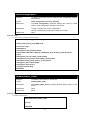
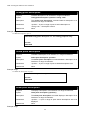
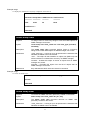
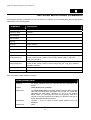
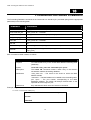
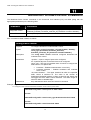
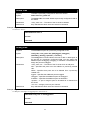
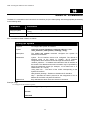
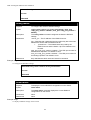
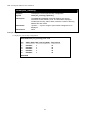
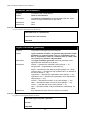
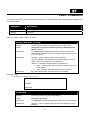
show ssh crypto
Purpose
To display the SSH public key stored on the device.
Syntax
show ssh crypto
Description
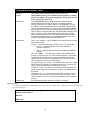
The show ssh crypto command displays the SSH public key stored
on the device.
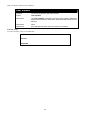
Parameters
None
Restrictions
Only administrator-level users can issue this command.
Example usage:
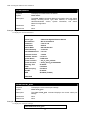
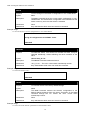
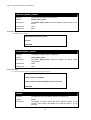
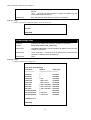
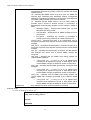
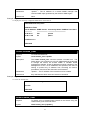
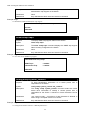
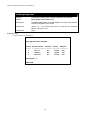
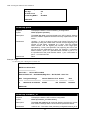
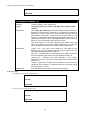
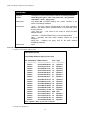
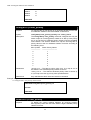
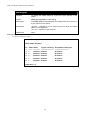
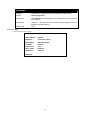
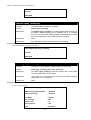
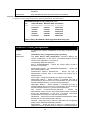
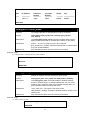
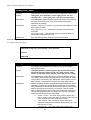
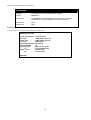
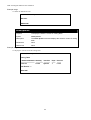
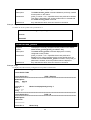
To display the SSH public key on the device:
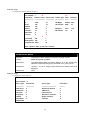
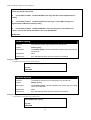
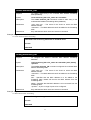
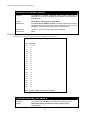
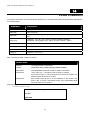
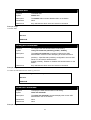
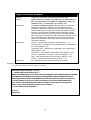
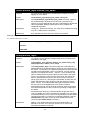
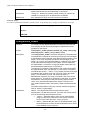
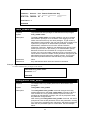
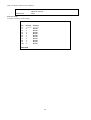
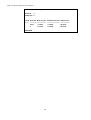
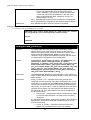
DGS3100# show ssh crypto
Username
Fingerprint
-------------- -----------------------------------------------------------DGS3100#
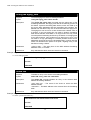
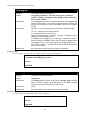
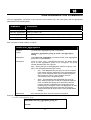
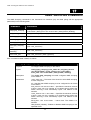
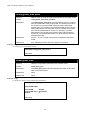
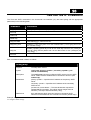
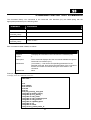
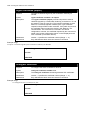
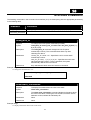
delete ssh crypto
Purpose
To remove a specified user’s SSH public key from the device.
Syntax
delete ssh crypto <username 1-48>
Description
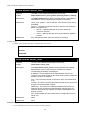
The delete ssh crypto command deletes the specified user’s SSH
public key from the device.
Parameters
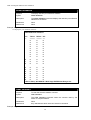
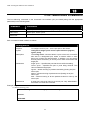
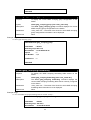
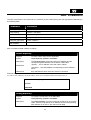
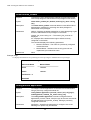
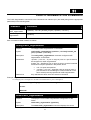
<username 1-48> - The username of the remote SSH client.
Restrictions
Only administrator-level users can issue this command.
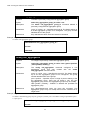
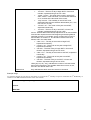
Example usage:
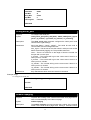
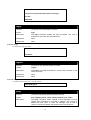
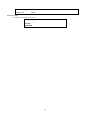
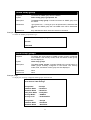
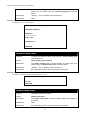
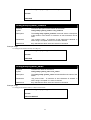
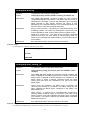
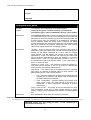
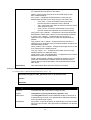
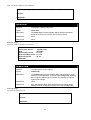
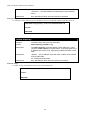
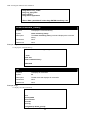
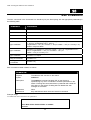
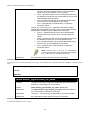
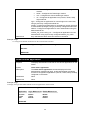
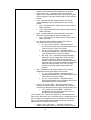
To delete the SSH public key of the remote SSH client bob:
134