1
00732M
SCL901
SEA
(20-45)
12/26/03
10:45
AM
_P_ge
41
I ENGLISH I
Advanced
_l_ii_
Recording
_ _6rdi_g
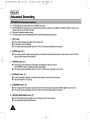
DSE effe_
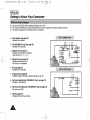
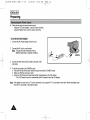
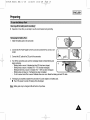
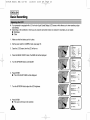
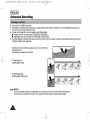
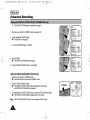
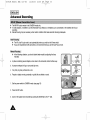
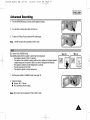
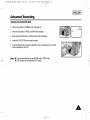
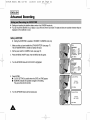
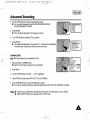
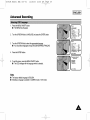
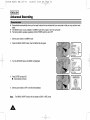
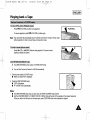
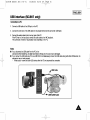
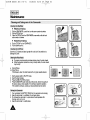
1. Set the powerswitchto CAMERAmode.(seepage 18)
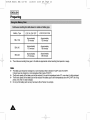
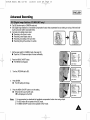
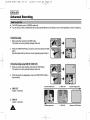
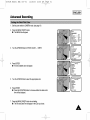
2. Pressthe DSEbutton,STROBEor SEPIAwill be displayed.
EPIA
3. Keeppressingthe DSEbutton,until the desiredmodeis displayed.
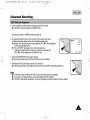
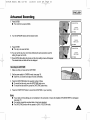
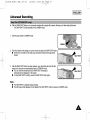
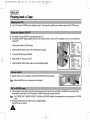
4. Pressthe START/STOPbuttonto startrecording.
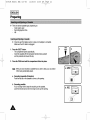
5. To exit the DSEfunctions,pressthe DSEbuttononce or severaltimesuntil no DSE
mode is displayedon the LCD.
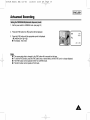
Notes: •
__
•
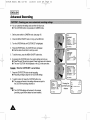
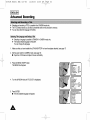
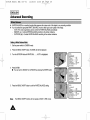
It is recommendedthatyou setthe DSEmode inSTBY mode.
DSEfunctionswill not operatein EASYmode.