1
SD-AT50
DX-AT50
Various settings (continued)
ENGLISH
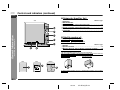
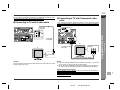
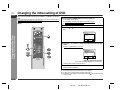
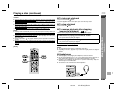
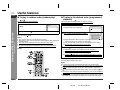
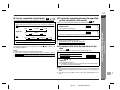
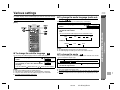
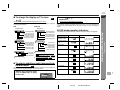
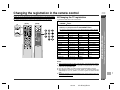
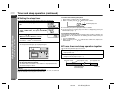
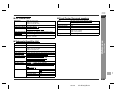
" To brighten an image (black level setting)
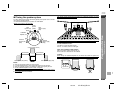
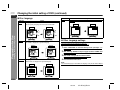
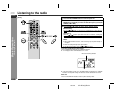
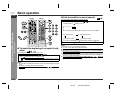
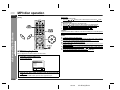
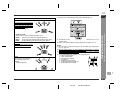
Each press of the ZOOM button cycles through the zoom settings as follows:
ZOOM [
Normal image
Bright image
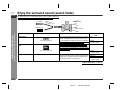
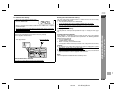
[Front]
ZOOM [x2]
ZOOM indicator
Within 5 seconds, press the BLACK LEVEL button repeatedly to
select "ON" or "OFF".
OFF
ON
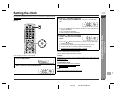
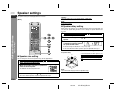
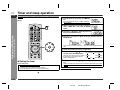
While a disc is playing, press the ZOOM button.
BLACK LEVEL: ON
Setting
- Various settings -
Advanced Disc Features
2
While a disc is playing, press the
BLACK LEVEL button.
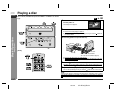
You can magnify images during DVD playback.
1
The image can be adjusted during playback.
1
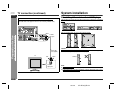
" To zoom in on an image (zoom)
2
2]
ZOOM [
4]
ZOOM [OFF]
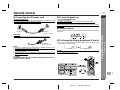
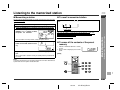
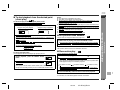
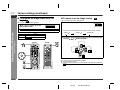
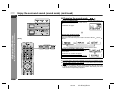
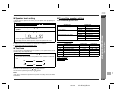
To shift the view and display the desired part of a zoomed image,
press the , , or button repeatedly.
[Back]
Notes:
! An image may become distorted when zoomed.
! Subtitles cannot be zoomed.
! For the part currently viewed, refer to the indication in the lower right section of the
screen.
E-35
02/7/19
SD-AT50(U)E4.fm