1
Chapter 2: General Information
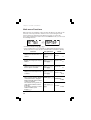
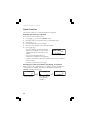
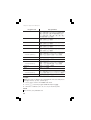
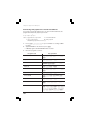
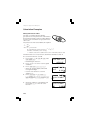
Delete key
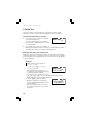
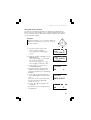
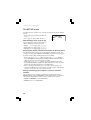
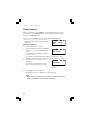
• To delete a number/function, move the cursor to the number/function you
wish to delete, then press y. If the cursor is located at the right end of
an equation, the y key will function as a backspace key.
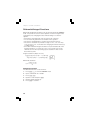
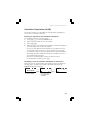
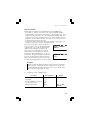
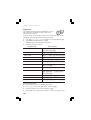
Multi-entry recall function
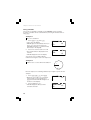
Previous equations can be recalled in the NORMAL, STAT or CPLX mode.
Up to 160 characters of equations can be stored in memory.
When the memory is full, stored equations are deleted in the order of the
oldest first.
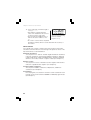
• Pressing @ g will display the previous equation. Further pressing
@ g will display preceding equations.
• You can edit the equation after recalling it.
• The multi-entry memory is cleared by the following operations: mode
change, memory clear (@ P 1 y), RESET, N-base conversion.
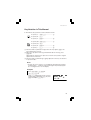
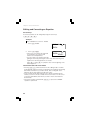
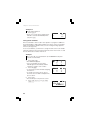
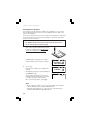
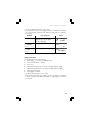
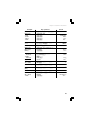
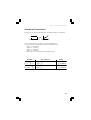
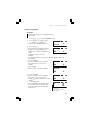
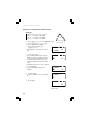
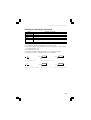
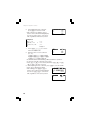
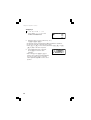
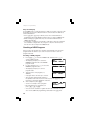
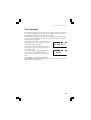
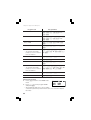
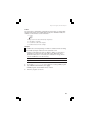
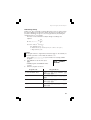
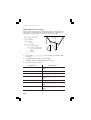
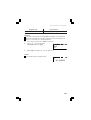
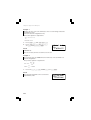
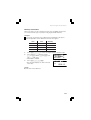
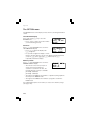
Example
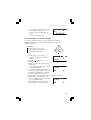
Input three expressions and then recall them.
1 3(5+2)=
2 3×5+2=
3 3×5+3×2=
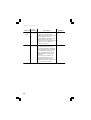
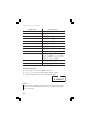
1.
Press j 3 ( 5 + 2 ) e
3k 5+2e
17.
3˚5+3˚2=
21.
3k 5+3k2e
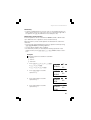
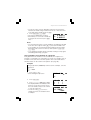
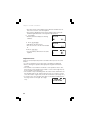
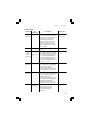
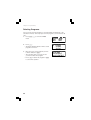
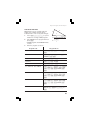
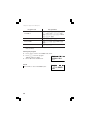
2.
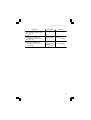
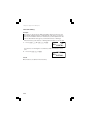
Press @ g to recall the
expression 3.
3˚5+3˚2=
21.
3˚5+3˚2
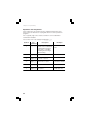
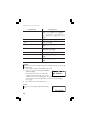
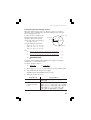
3.
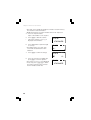
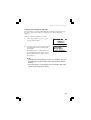
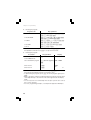
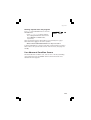
Press @ g to recall the
expression 2.
3˚5+3˚2=
21.
3˚5+2
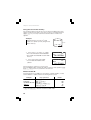
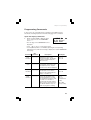
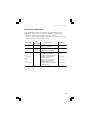
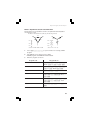
4.
Press @ g to recall the
expression 1.
3˚5+3˚2=
21.
3(5+2)
25