1
Chapter 2: General Information
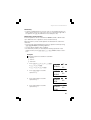
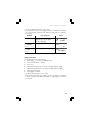
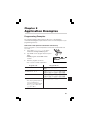
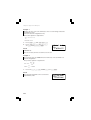
Example 2
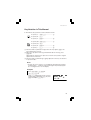
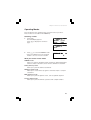
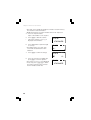
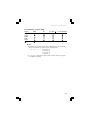
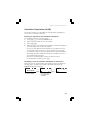
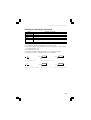
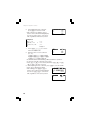
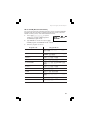
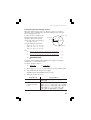
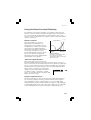
Recall global variable A.
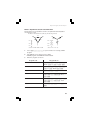
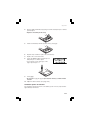
1. Press t A.
• There is no need to press ; because
ALPHA is selected automatically when
you press t.
6.
A=
6.
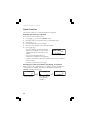
Using local variables
Nine local variables can be used in each equation or program, in addition to
the global variables. Unlike global variables, the values of the local variables
will be stored with the equation when you save it using the filing equations
function. (See page 58.)
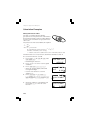
To use local variables, you first have to assign the name of the local variable
using two characters: the first character must be a letter from A to Z or θ and
the second must be a number from 0 to 9.
Example
Store 1.25 x 10⁻⁵ as local variable A1 (in the NORMAL mode) and
recall the stored number.
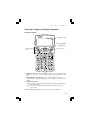
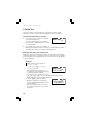
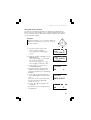
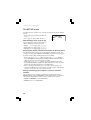
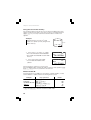
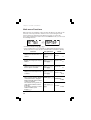
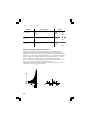
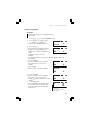
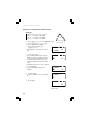
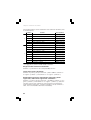
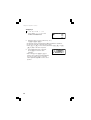
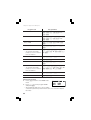
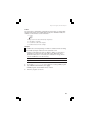
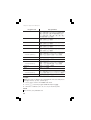
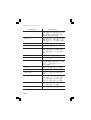
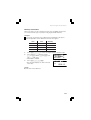
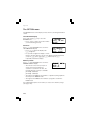
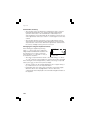
1. Press @ v.
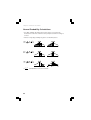
• The VAR menu appears.
• If no local variables are stored yet,
ALPHA appears automatically and the
calculator is ready to enter a name.
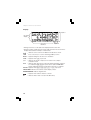
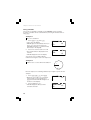
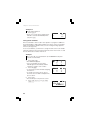
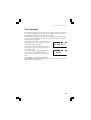
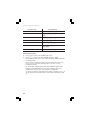
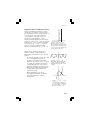
2. Press A1 e.
• ¬ shows that you have finished assigning
the name A1.
• To assign more names, press d to
move the cursor to VAR 1 and repeat the
process above.
ƒz
⁄
¤
‹
›
fi
fl
‡
°
¬ƒA¡ ‹
⁄
›
¤
fi
fl
‡
°
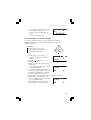
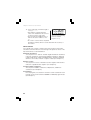
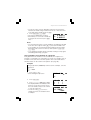
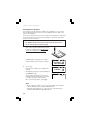
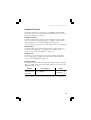
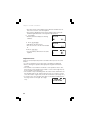
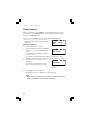
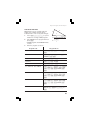
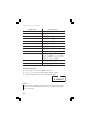
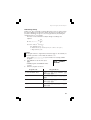
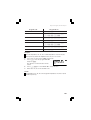
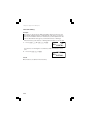
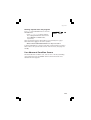
3. Press j.
• This returns you to the previous screen.
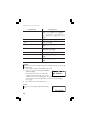
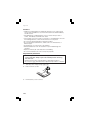
4.
28
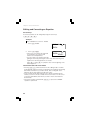
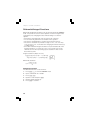
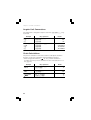
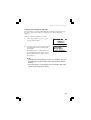
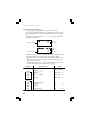
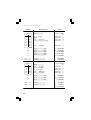
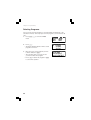
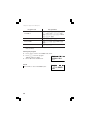
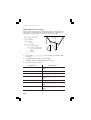
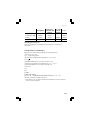
Press 1.25 ` S 5 x @
v 0.
0.
1.25E–5ÒA1
0.0000125