1
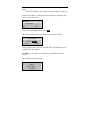
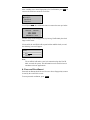
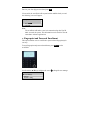
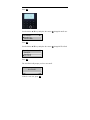
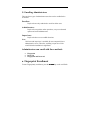
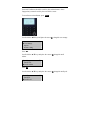
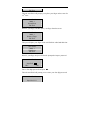
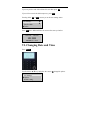
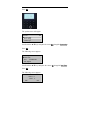
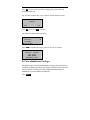
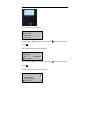
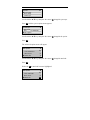
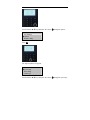
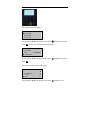
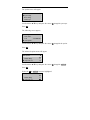
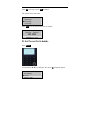
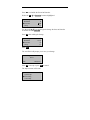
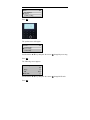
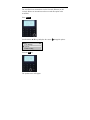
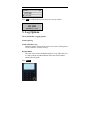
Use the scroll ▲/▼ keys and keypad to change the hour and time the
A10/X628 should sleep.
Press OK after making the change.
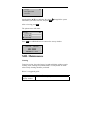
Power Mng
Shutdown
PowerO
►Sleep
▼
N
N
23:59
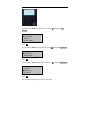
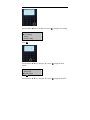
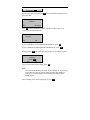
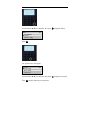
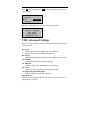
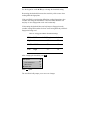
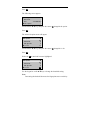
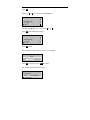
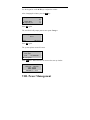
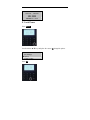
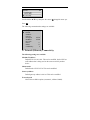
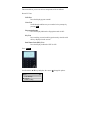
Press ESC.
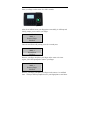
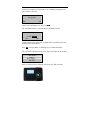
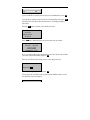
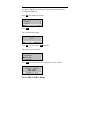
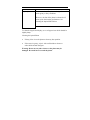
The A10/X628 will prompt.
Sleep.
Save ?
ESC
OK (Save)
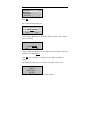
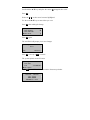
Press OK to accept or press ESC to cancel.
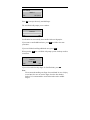
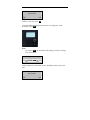
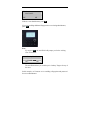
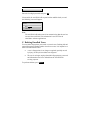
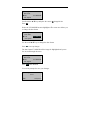
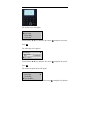
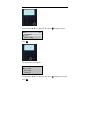
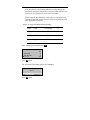
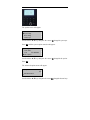
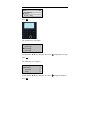
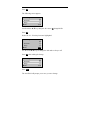
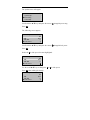
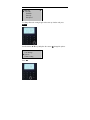
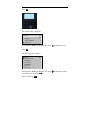
The options menu will return.
Options
System Opt
►Power Mng
Comm Opt
▼
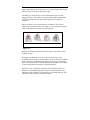
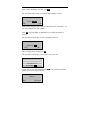
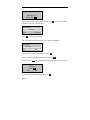
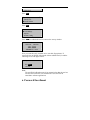
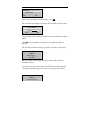
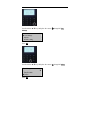
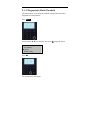
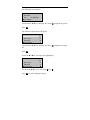
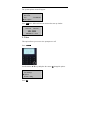
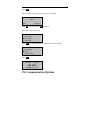
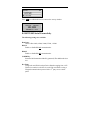
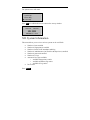
Press ESC two additional times to return to the start up window.
Welcome
Check-In
HH:MM
MM/DD/YY DAY
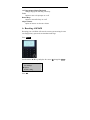
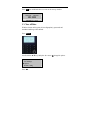
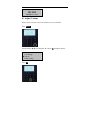
D. Set Idle to Off or Sleep