1
R
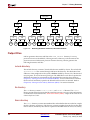
BSB Flow
Configuring Software Settings
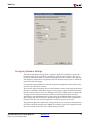
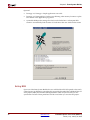
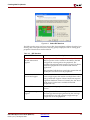
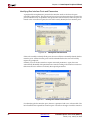
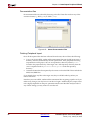
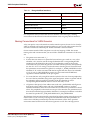
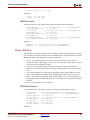
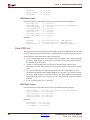
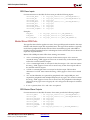
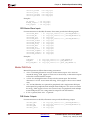
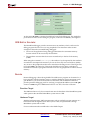
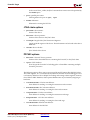
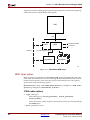
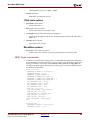
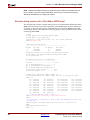
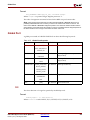
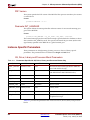
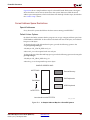
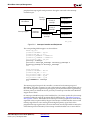
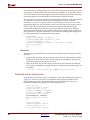
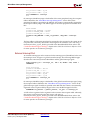
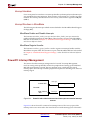
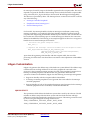
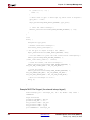
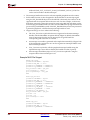
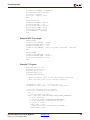
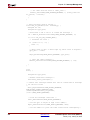
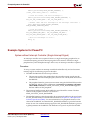
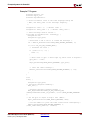
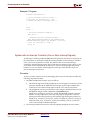
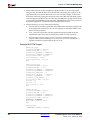
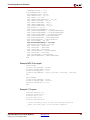
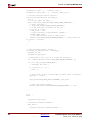
The Base System Builder will generate a sample C application and linker script for the
hardware system. This application is intended to verify system “aliveness” and also to
provide an illustration of how to create a simple application. The contents of this program
will depend on the hardware components which are included in the system as well as the
options selected in this page.
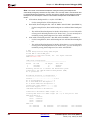
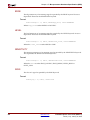
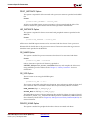
If a standard output peripheral is selected, the generated application will include a print
function call to the device selected.
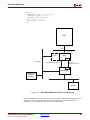
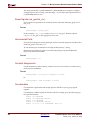
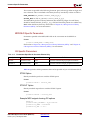
The user may select the memory devices where different sections of the program should be
placed in. It should be noted that if any part of the program is placed in external memory,
the user will need to have access to a debugger tool (such as XMD) which can download
the program onto that external memory device. By default, BSB will place the entire
application in internal BRAM memory (unless there are no BRAMs added in the system).
This configuration allows the user to include the application in the FPGA configuration
bitstream, and thus, the software application can run upon power-up or reset.
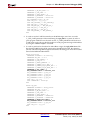
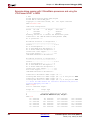
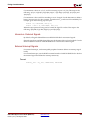
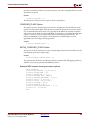
The generated application will include a simple memory read/write test to all memories in
the system which are writeable (not a ROM), do not hold any parts of the application itself,
and do not reside on the reset vector address for the processor.
Embedded System Tools Guide (EDK 6.2i)
UG111 (v1.4) January 30, 2004
www.xilinx.com
1-800-255-7778
71