1
allbook.book
Page 25
Wednesday, May 28, 2003
12:53 PM
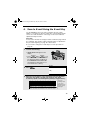
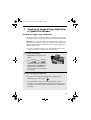
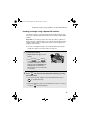
Sending an Image Using a Rapid Key or Speed Dial Number
Storing an e-mail address in a Rapid Key or Speed Dial
number
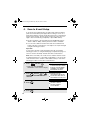
This section explains how to store e-mail addresses in Rapid Keys
and Speed Dial numbers using the operation panel of the machine.
This will allow you to send documents to e-mail recipients without
having to manually enter the e-mail address each time.
♦ This procedure cannot be used to store an FTP or Desktop
destination (these can only be stored as explained on page 12).
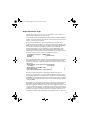
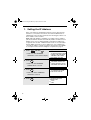
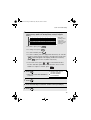
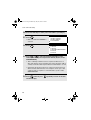
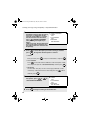
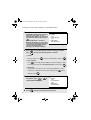
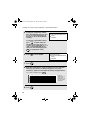
1
Press
and then
or
until ENTRY MODE is selected in
the display.
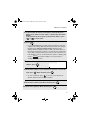
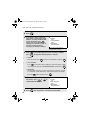
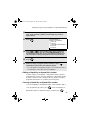
2
Press
MENU
START/
ENTER
. Make sure that
DESTINATION SETTING is
selected.
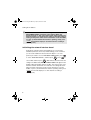
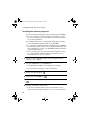
3
Press
START/
ENTER
Press
START/
ENTER
ENTRY MODE
01:DESTINATION SETTING
02:PASSCODE SETTING
03:OWN PASSCODE SET
. Make sure that SET is
DESTINATION SETTING
1=SET
2=CLEAR
.
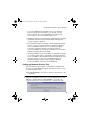
DESTINATION SET
PRESS RAPID OR SPEED
selected.
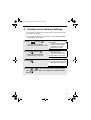
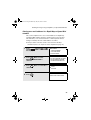
4
Display:
MENU MODE
1:RECEIVE MODE
2:LISTING MODE
3:ENTRY MODE
25