1
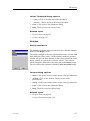
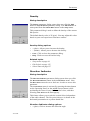
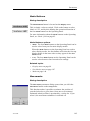
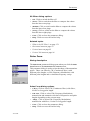
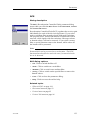
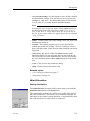
Parameters
•
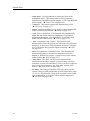
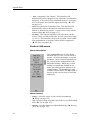
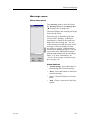
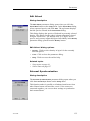
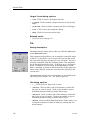
Area (A): This read-out shows the estimated area of the
chosen object.
•
Volume (V): This read-out shows the estimated volume of
the chosen object.
•
Delete: Click to delete the chosen object from the marker list.
•
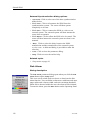
Set Priority: Click to change the current marker to the
“priority” target. The marker is then identified with a “P”.
•
Close: Click to close the parameter dialog.
•
Help: Click to access the on-line help.
Related topics
•
Objects menu on page 101
•
Object pop-up menu on page 109
Language
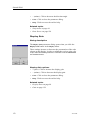
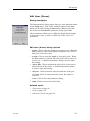
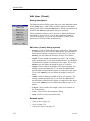
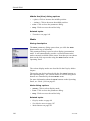
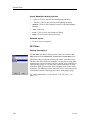
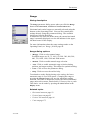
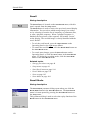
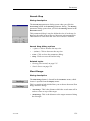
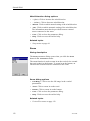
Dialog description
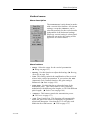
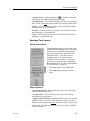
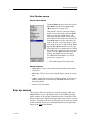
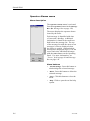
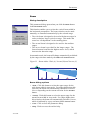
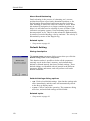
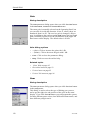
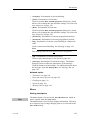
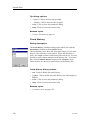
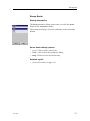
The Language parameter dialog opens when you click the
Language button on the Display menu.
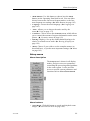
This parameter dialog is used to select the language on the
menus. Click to select requested language.
Note
The on-line help may not be available in the language you choose
to use. If this is the case, the default English on-line help will
be used.
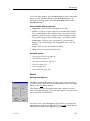
Language dialog options
•
[Language]: Click to select the menu language you prefer.
•
Close: Click to close the parameter dialog.
•
Help: Click to access the on-line help.
Related topics
•
323775/B
Display menu on page 98
141