1
Operational procedures
3
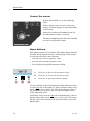
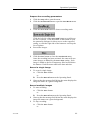
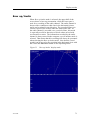
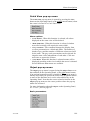
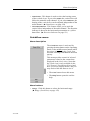
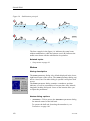
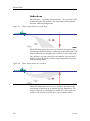
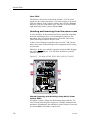
Press the Gear button to delete the purse seine circle.
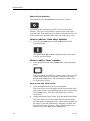
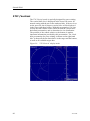
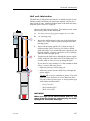
How to use the trawl symbol
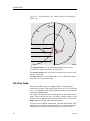
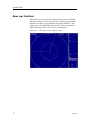
This is a useful aid in providing an overview of the trawl
operation. Trawl data can be set manually using the menu or
automatically by interfacing a Simrad FS trawl sonar or Simrad
ITI trawl monitoring system with the sonar.
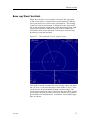
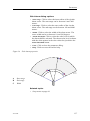
In the manual mode the trawl symbol will be displayed with
the selected size, depth and distance. When the FS70, FS900
or FS3000 trawl sonar is connected, the trawl symbol will
automatically be displayed with the correct depth in the vertical
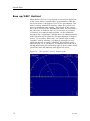
modes. When the ITI trawl system is connected, the trawl symbol
will be displayed with the correct distance, bearing and depth.
If required, the trawl opening, ambient water temperature, and
trawl-filling indicator may also be displayed. This is assumed
that the proper sensors are connected to the ITI system.
How to define and change the gear properties
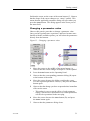
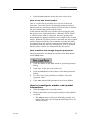
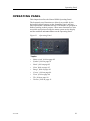
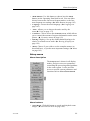
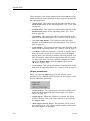
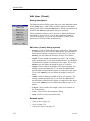
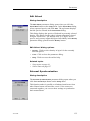
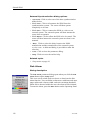
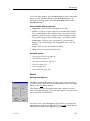
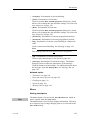
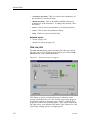
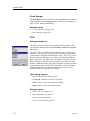
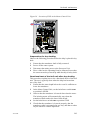
The gear properties are changed by means of the Gear button
on the Setup menu.
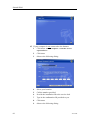
1
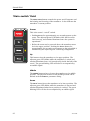
Click the middle of the Gear button to open the parameter
dialog.
2
Click once on the gear you wish to use.
3
Click the Edit button at the bottom of the Gear parameter
dialog.
4
For each of the gear parameters available, select the
requested value.
5
Click Close when all the parameters have been defined.
How to investigate marker and symbol
information
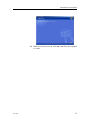
1
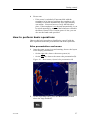
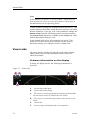
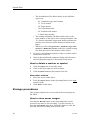
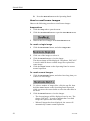
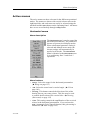
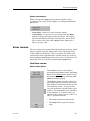
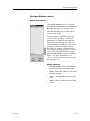
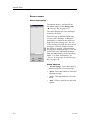
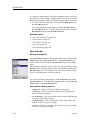
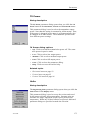
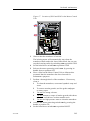
Click the Objects tab to open the menu.
2
Observe that all the current objects (markers and symbols)
are listed.
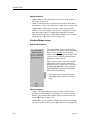
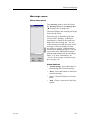
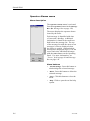
• The Objects menu is shown in all display modes, and
displays the range (R), bearing (B) and depth (D) to all
selected objects.
323775/B
47