1
Connect the StackWise Cables
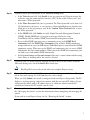
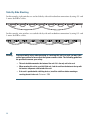
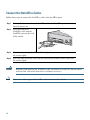
Follow these steps to connect the StackWise cable to the StackWise ports:
Step 1
Remove the dust covers from the StackWise cables and StackWise ports, and store
them for future use.
Step 2
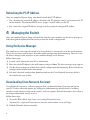
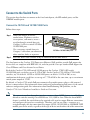
Insert one end of the
StackWise cable into the
StackWise port on the back
of the switch.
STACK
1
STACK
2
CONSOL
E
Step 3
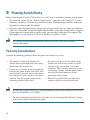
Use the window in the StackWise cable to align the connector correctly. Secure
the screws tightly.
Step 4
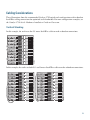
Insert the other end of the cable into the connector of the other switch, and secure
the screws tightly.
Caution
Note
18
Removing and installing the StackWise cable can shorten its useful life. Do not remove
and insert the cable more often than is absolutely necessary.
Always use a Cisco-approved StackWise cable to connect the switches.