1
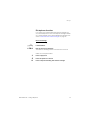
Outgoing Calls
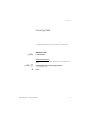
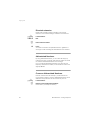
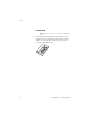
Wait for dial tone
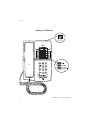
Note: This function is not supported for other analog
telephones, only for the Dialog 4106 Basic and
Dialog 4147 Medium phone.
©
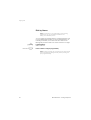
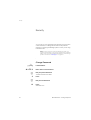
Sometimes it is required to wait for a new dial tone after dialling the
prefix digit when making an external call. In such situations, you
must store the pause for a new dial tone into the number:
Press.
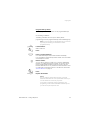
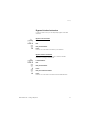
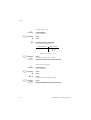
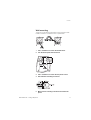
Manual dial pause control:
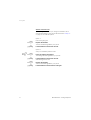
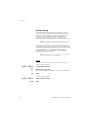
You can control the length of a dial pause manually if you store the
pause after the fifth digit or later. This function is very useful, if you
are connected to a PBX that requires a new dial tone for extension
numbers.
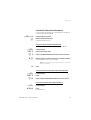
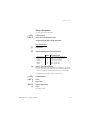
Example:
©
©
16
You want to talk to Steven. Steven’s company has the number
12345678, and his extension is 1234, so the complete number is
12345678-1234. To wait for a new dial tone, you have to store a
pause before the extension number.
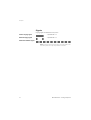
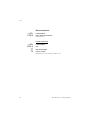
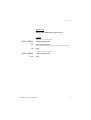
Press.
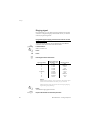
The phone number is dialled without the extension, in this example
12345678.
Press when the new dial tone is received.
Now the extension number is dialed.
BusinessPhone – Analog Telephone