1
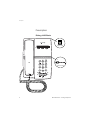
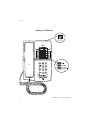
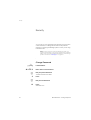
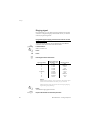
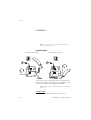
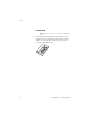
Settings Headset Notes: This function is only supported for the Dialog 4147 Medium phone. To install the Headset, see section “Installation” on page 68. Headset calls are controlled via the Loudspeaker/Headset key. To enable the Headset functionality, you have to change the Loudspeaker/Headset switch into the Headset position. At the bottom side of your phone: Slide the switch to the required position.  Ä Answer calls Press to answer. Press to end the call. Make calls  z Ä 64 With the handset on hook. Press. Dial the number. Press to end the call. BusinessPhone – Analog Telephone