1
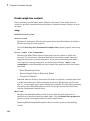
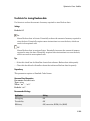
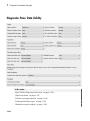
Diagnostics Pane: Data Validity
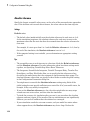
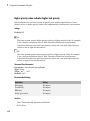
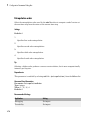
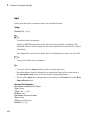
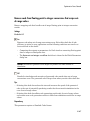
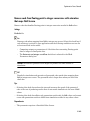
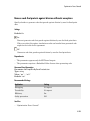
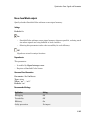
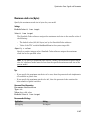
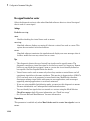
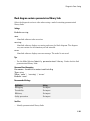
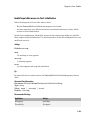
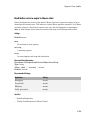
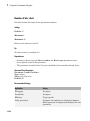
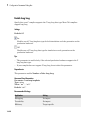
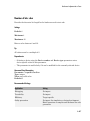
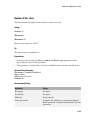
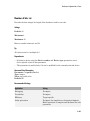
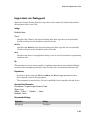
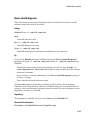
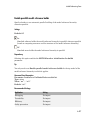
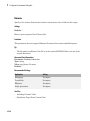
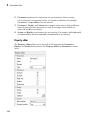
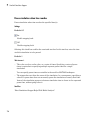
Signal resolution
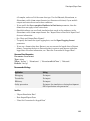
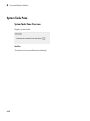
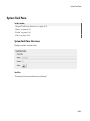
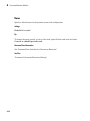
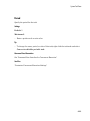
Select how Simulink software resolves signals to Simulink.Signal objects. See
“Explicit and Implicit Symbol Resolution” for more information.
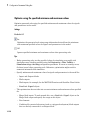
Settings
Default: Explicit only
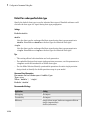
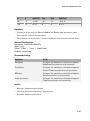
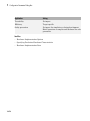
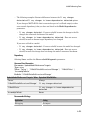
Explicit only
Do not perform implicit signal resolution. Only explicitly specified signal resolution
occurs. This is the recommended setting.
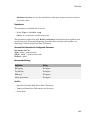
Explicit and implicit
Perform implicit signal resolution wherever possible, without posting any warnings
about the implicit resolutions.
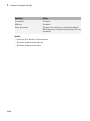
Explicit and warn implicit
Perform implicit signal resolution wherever possible, posting a warning of each
implicit resolution that occurs.
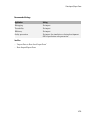
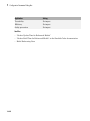
Tips
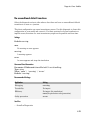
• Use the Signal Properties dialog box (see Signal Properties Dialog Box) to specify
explicit resolution for signals.
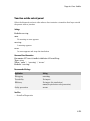
• Use the State Attributes pane on dialog boxes of blocks that have discrete states,
e.g., the Discrete-Time Integrator block, to specify explicit resolution for discrete
states.
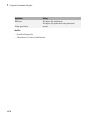
• Multiple signals can resolve to the same signal object and have the properties that the
object specifies.
• MathWorks® discourages using implicit signal resolution except for fast prototyping,
because implicit resolution slows performance, complicates model validation, and can
have nondeterministic effects.
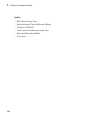
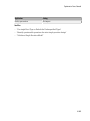
• Simulink software provides the disableimplicitsignalresolution function,
which you can use to change settings throughout a model so that it does not use
implicit signal resolution.
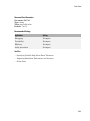
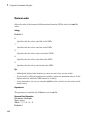
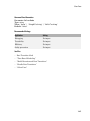
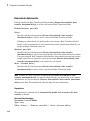
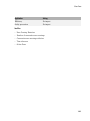
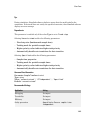
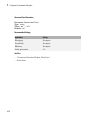
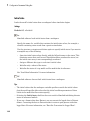
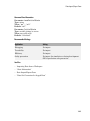
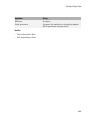
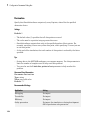
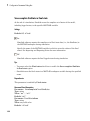
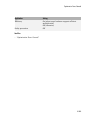
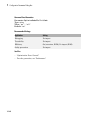
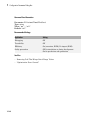
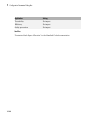
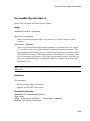
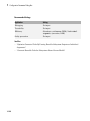
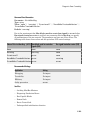
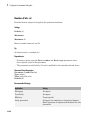
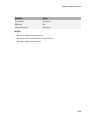
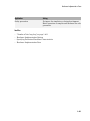
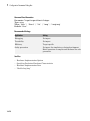
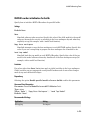
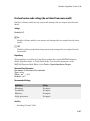
Command-Line Information
Parameter: SignalResolutionControl
Type: string
1-247