1
1
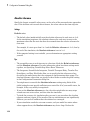
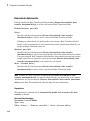
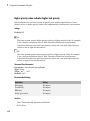
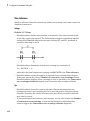
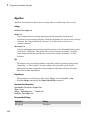
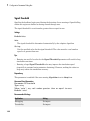
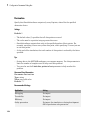
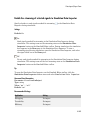
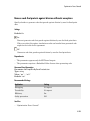
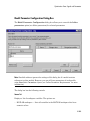
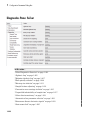
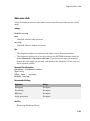
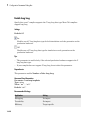
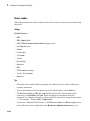
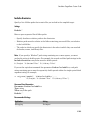
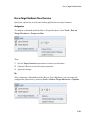
Configuration Parameters Dialog Box
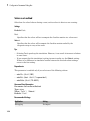
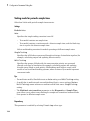
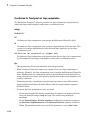
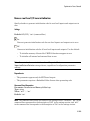
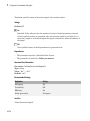
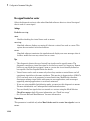
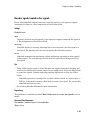
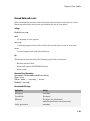
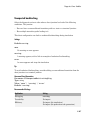
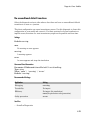
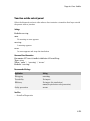
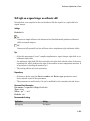
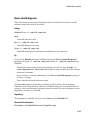
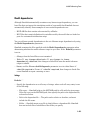
Signed integer division rounds to
Describe how your compiler for the production hardware rounds the result of dividing
two signed integers.
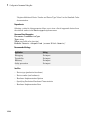
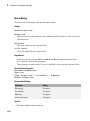
Settings
Default: Undefined
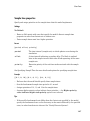
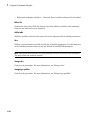
Undefined
Choose this option if neither Zero nor Floor describes the compiler's behavior, or if
that behavior is unknown.
Zero
If the quotient is between two integers, the compiler chooses the integer that is closer
to zero as the result.
Floor
If the quotient is between two integers, the compiler chooses the integer that is closer
to negative infinity.
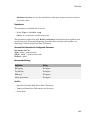
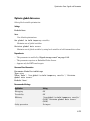
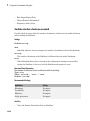
Tips
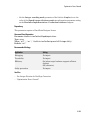
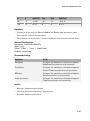
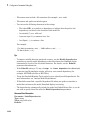
• Use the Integer rounding mode parameter on your model's blocks to simulate the
rounding behavior of the C compiler that you use to compile code generated from the
model. This setting appears on the Signal Attributes pane of the parameter dialog
boxes of blocks that can perform signed integer arithmetic, such as the Product block.
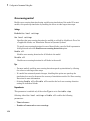
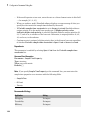
• For most blocks, the value of Integer rounding mode completely defines rounding
behavior. For blocks that support fixed-point data and the Simplest rounding mode,
the value of Signed integer division rounds to also affects rounding. For details,
see “Rounding”.
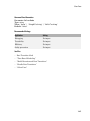
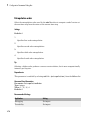
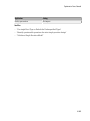
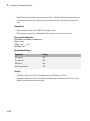
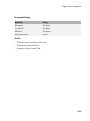
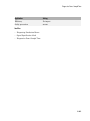
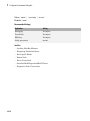
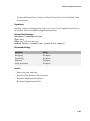
• See Hardware Implementation Options in the Simulink Coder documentation for
information on how this option affects code generation.
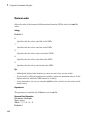
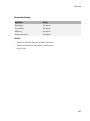
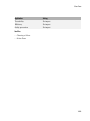
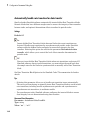
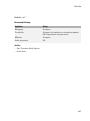
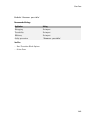
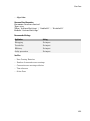
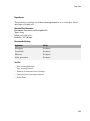
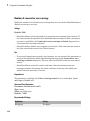
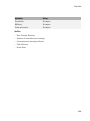
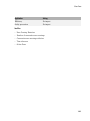
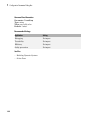
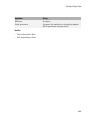
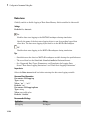
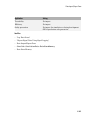
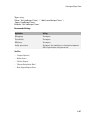
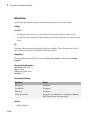
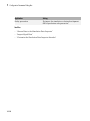
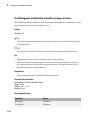
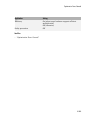
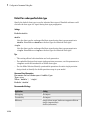
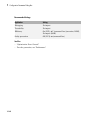
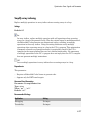
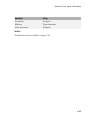
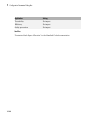
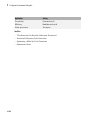
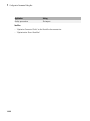
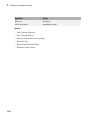
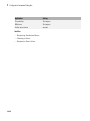
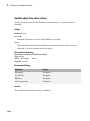
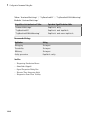
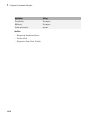
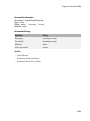
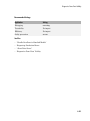
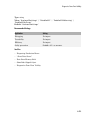
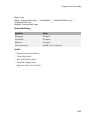
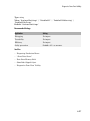
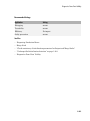
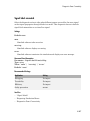
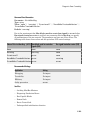
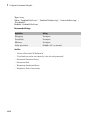
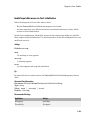
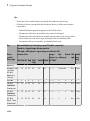
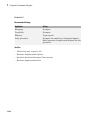
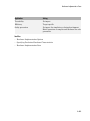
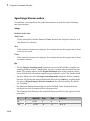
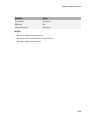
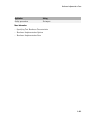
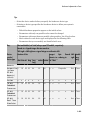
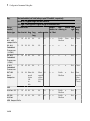
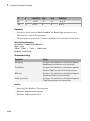
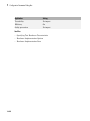
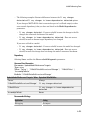
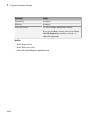
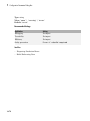
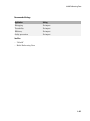
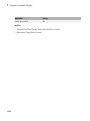
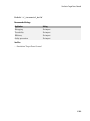
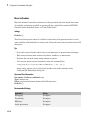
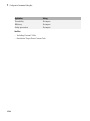
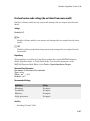
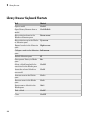
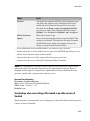
• The following table illustrates the compiler behavior described by the options for this
parameter.
1-416
N
D
Ideal N/D
Zero
Floor
Undefined
33
4
8.25
8
8
8
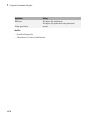
-33
4
-8.25
-8
-9
-8 or -9