1
104
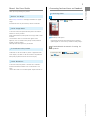
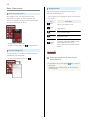
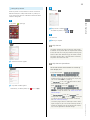
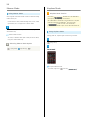
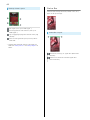
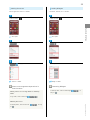
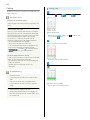
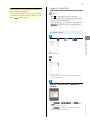
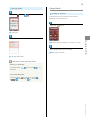
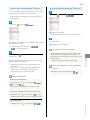
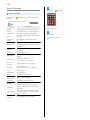
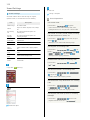
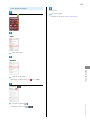
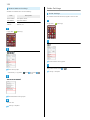
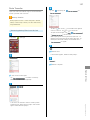
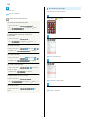
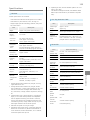
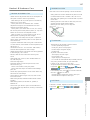
Sending Files (e.g., Address Book)
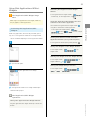
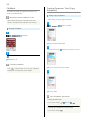
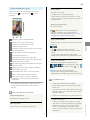
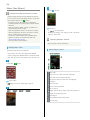
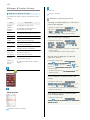
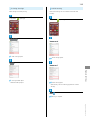
Receiving Files (e.g., Address Book)
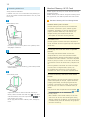
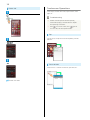
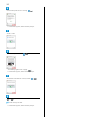
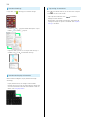
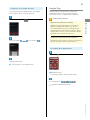
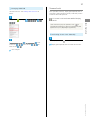
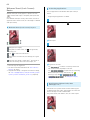
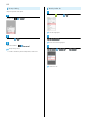
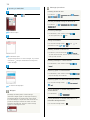
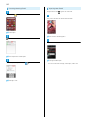
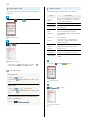
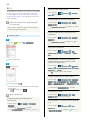
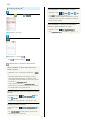
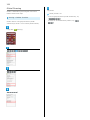
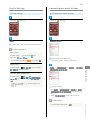
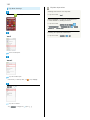
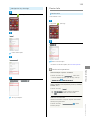
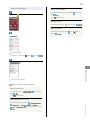
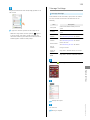
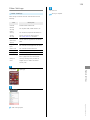
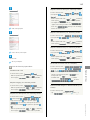
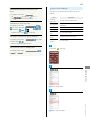
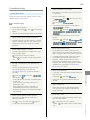
When file reception request arrives,
In app sheet,
(Basic)
(Address Book)
appears. To receive
files:
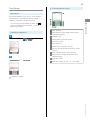
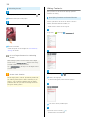
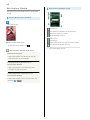
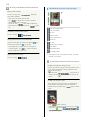
Drag Status Bar down for Notifications Window
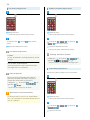
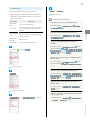
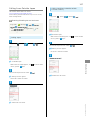
Address Book opens.
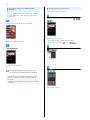
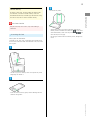
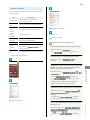
Tap tab
Tap contact
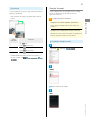
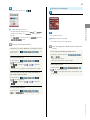
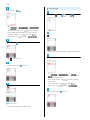
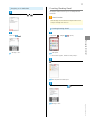
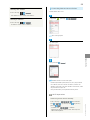
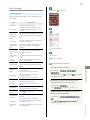
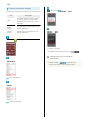
Tap Bluetooth ® share notification
Accept
Contact opens.
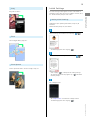
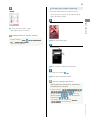
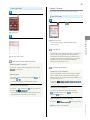
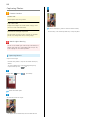
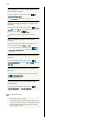
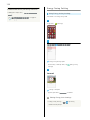
Send
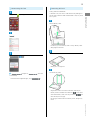
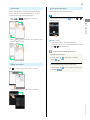
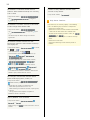
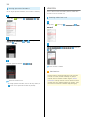
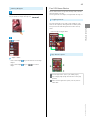
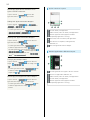
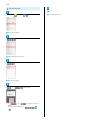
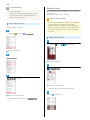
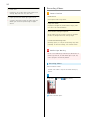
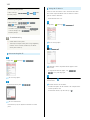
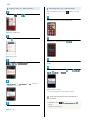
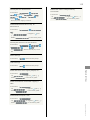
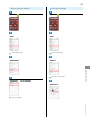
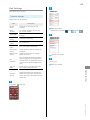
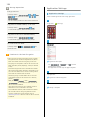
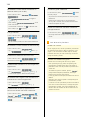
After file reception, Drag Status Bar down for Notifications
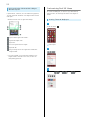
Send by Bluetooth
Window
Tap Bluetooth ® share notification
of data
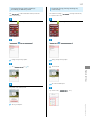
Send (no image)
or
Send (image)
( Yes
Tap file
Register
Always / Just once
when face
image/photo is not saved)
File content is saved.
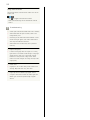
・If confirmation appears, follow onscreen prompts.
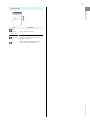
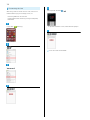
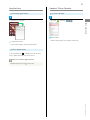
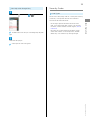
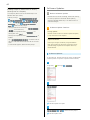
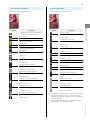
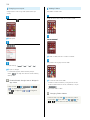
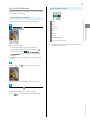
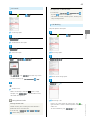
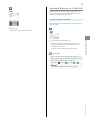
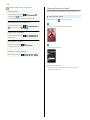
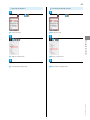
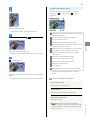
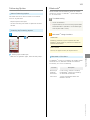
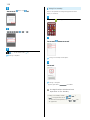
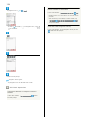
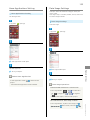
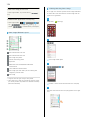
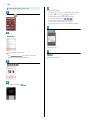
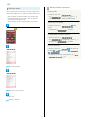
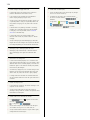
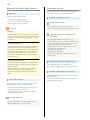
Opening Files Received by Bluetooth ®
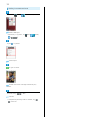
Transfer
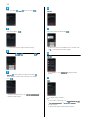
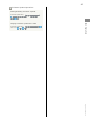
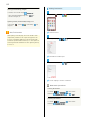
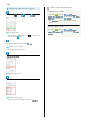
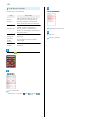
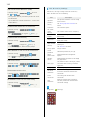
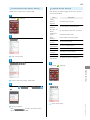
In Bluetooth ® menu,
Tap target device
File is sent.
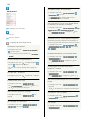
Tap file
・Follow onscreen prompts.
Show received files






















![取扱説明書[詳細版]](http://vs1.manualzilla.com/store/data/006559137_2-45eaa2c8790f88e21c2b71ebe1da901f-150x150.png)