1
Chapter 3
Function expressions
Chapter sections
3.1
Function expressions . . . . . . . . . . . . . . . . . . . . . . . . . . . . . 3-1
3.2
Variables and parameters . . . . . . . . . . . . . . . . . . . . . . . . . . . 3-2
3.3
Arithmetic and logical operators . . . . . . . . . . . . . . . . . . . . . . . 3-3
3.4
Standard and random functions . . . . . . . . . . . . . . . . . . . . . . . 3-6
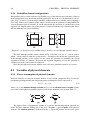
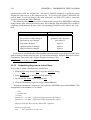
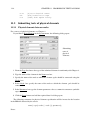
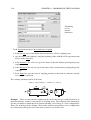
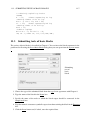
Chapter overview. You will learn here in which formats to enter various variables or parameters and arithmetic or logic expressions in a symbolic form into submitted equations, physical
elements or blocks. For inserting more complex functions or events see Chapters 4 and 5.
3.1 Function expressions
Inserting
variables,
operators
and
functions.
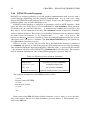
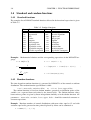
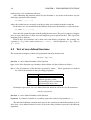
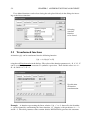
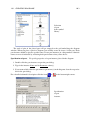
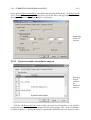
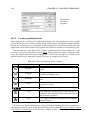
Function expressions can be easily entered using the Expressions dialog. It can be opened
either from the menu System by selecting Insert Expression, or from dialogs for submitting
equations, blocks, or physical elements. The Expressions dialog lists operators and functions
that you have at your disposal. It also shows the variable and parameter identifiers which you
3-1