1
Raster Blaster User’s Guide
Device Tab
Note: When configuring devices or PSets for the first time, configure the tabs in order from left to right starting with the Device tab.
Remember that the Device Tab is one of the tabs that does not
appear when you configure PSets.
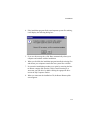
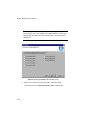
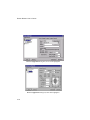
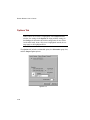
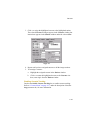
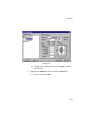
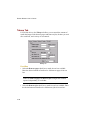
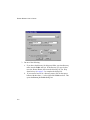
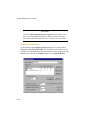
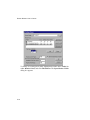
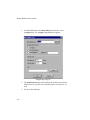
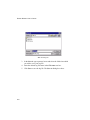
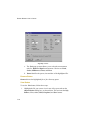
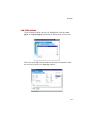
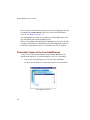
The Device tab displays information about the device you have highlighted
in the Output Devices window. As shown below by the sample Device tab
for an Avantra 44 device, the Device tab contains information about the
device that you configured when the device was first created. The Location
text box is new, however. It allows you to record your own descriptive
comment about the selected device.
4-14