1
Pill ImagerTM Software
Users Manual
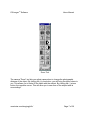
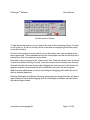
Zoom Tool
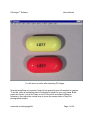
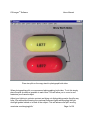
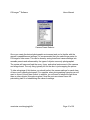
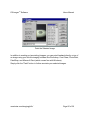
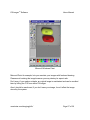
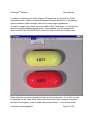
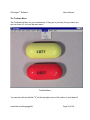
The camera "Zoom" tool lets you adjust camera lens to change the photographic
distance of the object. By clicking the (+) plus button, you will bring the object closer to
you. This allows you to better fill the frame with the subject. By clicking the (-) minus
button, the opposite occurs. This will allow you to see more of the subject and its
surroundings.
smartview.com/imaging/pills/
Page 7 of 36