1
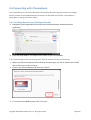
3.6 Connecting with Chromebook
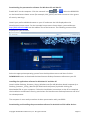
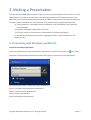
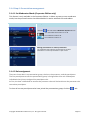
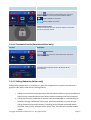
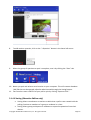
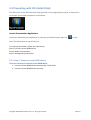
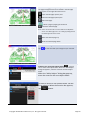
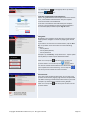
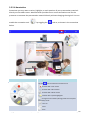
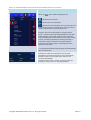
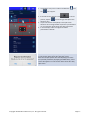
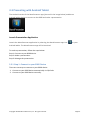
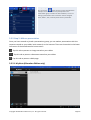
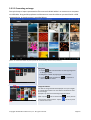
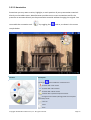
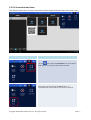
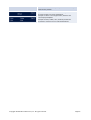
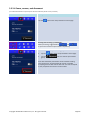
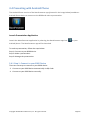
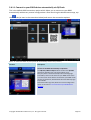
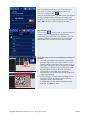
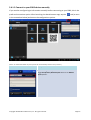
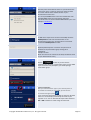
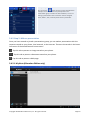
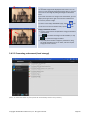
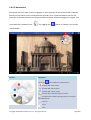
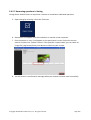
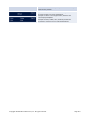
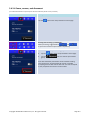
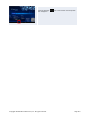
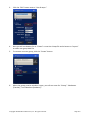
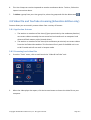
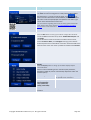
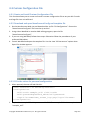
The Chromebook version of the NovoConnect Desktop Streamer app (pictured in the image
below) enables a Chromebook device to connect to the B360 and receive a presentation,
participate in Voting and share videos.
3.6.1 Installing NovoConnect Desktop Streamer
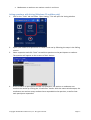
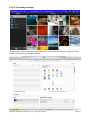
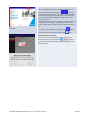
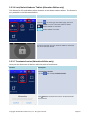
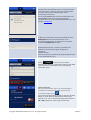
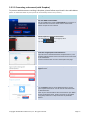
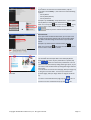
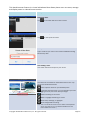
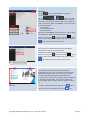
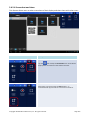
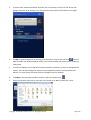
5. Navigate to the Google Web Store and locate the NovoConnect Desktop Streamer
application.
6. Click the install button. The app will now install on you Chromebook.
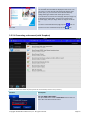
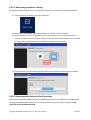
3.6.2 Launching and connecting with NovoConnect Desktop Streamer
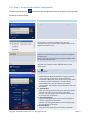
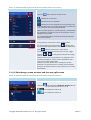
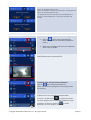
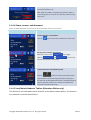
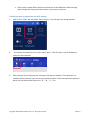
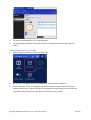
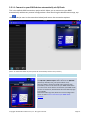
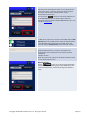
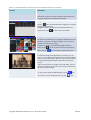
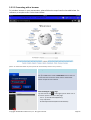
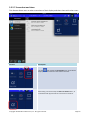
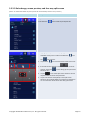
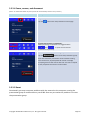
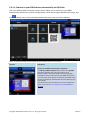
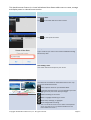
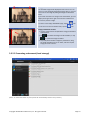
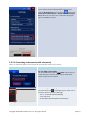
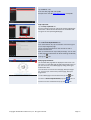
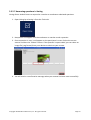
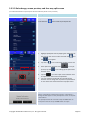
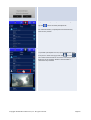
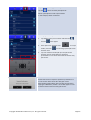
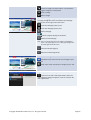
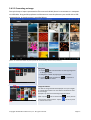
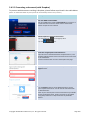
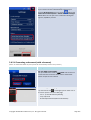
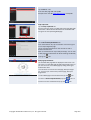
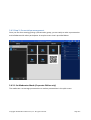
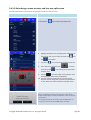
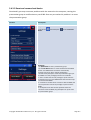
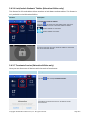
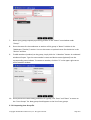
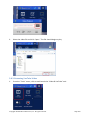
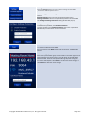
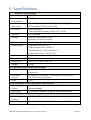
1. When you launch the NovoConnect Desktop Streamer app, you will be asked if you would
like to share your screen contents.
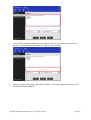
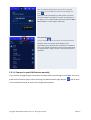
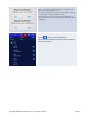
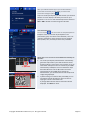
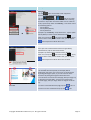
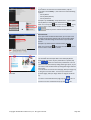
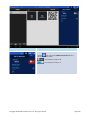
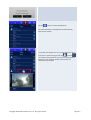
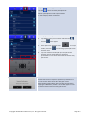
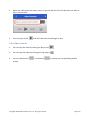
2. Click on the internal display and then click “Share.”
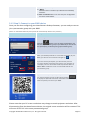
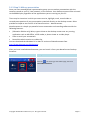
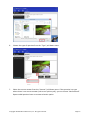
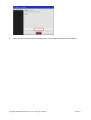
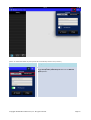
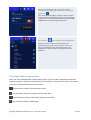
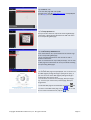
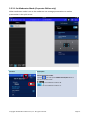
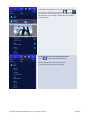
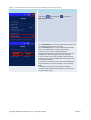
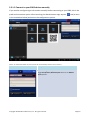
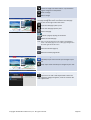
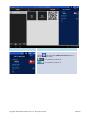
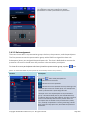
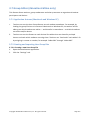
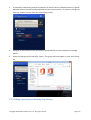
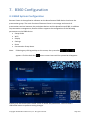
3. To connect to the B360 system, click “Connect.”
Copyright © 2014 DELTA Electronics, Inc. All rights reserved.
Page 120